1
User’s Guide
Faxing
Note:
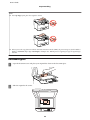
❏ Depending on the Fax Output settings, the received fax is saved as a data or printed.
& “Changing Fax Output setting to print” on page 99
❏
If Fax Output is set to Save, the received fax data is automatically saved as data, and you can skip step 1.
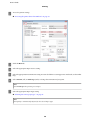
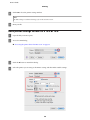
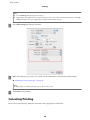
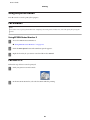
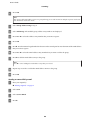
Follow the instructions below to receive a fax by polling. Use the l, r, u, or d buttons to change the LCD screen view to
find the menu, setting item, or option you want to enter.
A
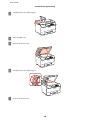
Load A4-size plain paper.
& “Loading Paper” on page 24
B
Enter K Fax mode.
C
Enter the x Menu.
D
Select Polling.
E
Enter the fax number.
F
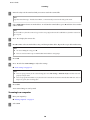
Press the x Start (B&W) button to receive the fax.
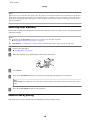
Note:
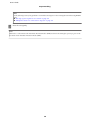
❏ If Fax Output is set to Save, the received fax data is automatically saved as data, and you do not have to proceed
to step 7.
❏
G
If Auto Answer mode is turned on, the received fax data is automatically printed, and you do not have to proceed
to step 7.
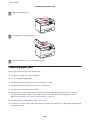
Press the x Start (B&W) button to print the received fax.
Printing Reports
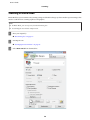
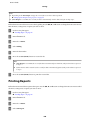
Follow the instructions below to print a fax report. Use the l, r, u, or d buttons to change the LCD screen view to find
the menu, setting item, or option you want to enter.
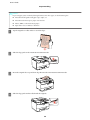
A
Load A4-size plain paper.
& “Loading Paper” on page 24
B
Enter K Fax mode.
C
Enter the x Menu.
D
Select Fax Report.
106