1
6.3.4. Dynamic Web Content Filtering
Chapter 6. Security Mechanisms
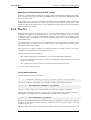
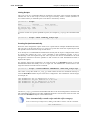
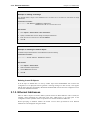
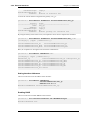
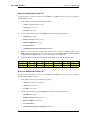
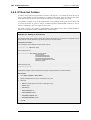
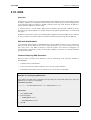
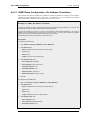
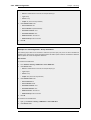
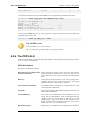
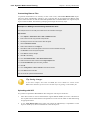
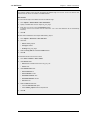
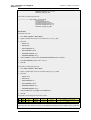
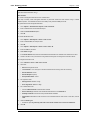
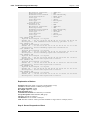
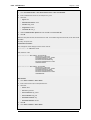
DestinationPorts=80
ALG=content_filtering
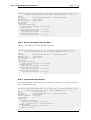
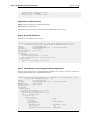
Finally, modify the NAT rule to use the new service. Assume rule is called NATHttp:
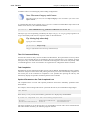
gw-world:/> set IPRule NATHttp Service=http_content_filtering
Web Interface
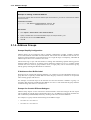
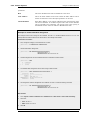
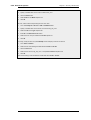
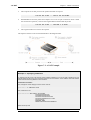
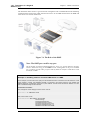
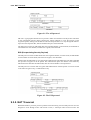
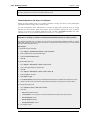
First, create an HTTP Application Layer Gateway (ALG) Object:
1.
Go to: Objects > ALG > Add > HTTP ALG
2.
Specify a suitable name for the ALG, for example content_filtering
3.
Click the Web Content Filtering tab
4.
Select Enabled in the Mode list
5.
In the Blocked Categories list, select Search Sites and click the >> button.
6.
Click OK
Then, create a service object using the new HTTP ALG:
1.
Go to: Local Objects > Services > Add > TCP/UDP service
2.
Specify a suitable name for the Service, for example http_content_filtering
3.
Select the TCP in the Type dropdown list
4.
Enter 80 in the Destination Port textbox
5.
Select the HTTP ALG just created in the ALG list
6.
Click OK
Finally, modify the NAT rule to use the new service:
1.
Go to: Rules > IP Rules
2.
Select the NAT rule handling the HTTP traffic
3.
Select the Service tab
4.
Select the new service, http_content_filtering, in the predefined Service list
5.
Click OK
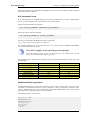
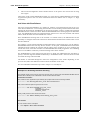
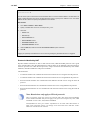
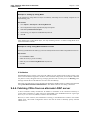
Dynamic content filtering is now activated for all web traffic from lannet to all-nets.
We can validate the functionality with the following steps:
1.
On a workstation on the lannet network, launch a standard web browser.
2.
Try to browse to a search site. For example, www.google.com.
3.
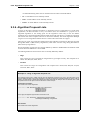
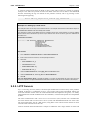
If everything is configured correctly, the web browser will present a web page that informs the user about that
the requested site is blocked.
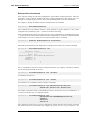
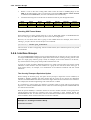
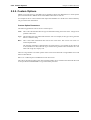
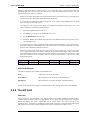
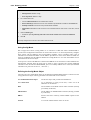
Audit Mode
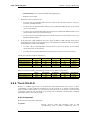
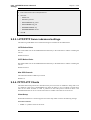
In Audit Mode, the system will classify and log all surfing according to the content filtering policy,
but restricted web sites will still be accessible to the users. This means the content filtering feature
of NetDefendOS can then be used as an analysis tool to analysis what categories of websites are
being accessed by a user community and how often.
331