1
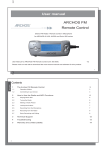
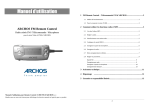
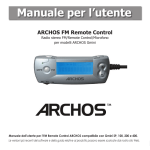
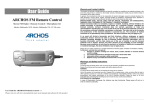
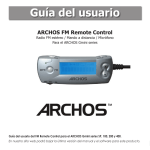
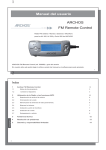
1 The Archos FM Remote Control This FM Remote control will allow you to: Play MP3 songs that are on your AV300. Record your voice with its microphone. Listen to FM Stereo radio. Record off the FM radio into MP3 files 1.1 1.2 Operation Modes Browse Mode: Play Mode: Voice Record Mode: FM Play Mode: FM Record Mode: Allows browsing through files and folders on the AV300 Plays mp3 music files from the AV300 Allows the recording of voice from the remote’s microphone Plays from the built-in FM radio Records from the built-in FM radio A B C D E F Connecting to your AV300 G Browse Mode: Left: Previous item in current directory Right: Next item in current directory Center: Play song / Pause / Enter directory The FM remote is hot pluggable. You do not have to shut off the AV300 in order to plug in the FM Mode: FM Remote control or remove it. First, (1) plug in the doublejacks and then (2) attach the mini-centronics connector. Now plug your headphones into the Built-in microphone Record voice or FM Radio Battery level / Playing / Recording / Paused / Repeat play / Volume level HOLD: Press Hold for 3 seconds to de-activate/reactivate all buttons FM Mode: Short press changes between Stereo and mono reception Browse Mode: Short press moves browser up to the parent directory Increase +: Volume Up Decrease - : Volume Down Rocker Control : (left, right, center click) H I Left: Go down the FM band or to previous preset Right: Go up the FM band or to next preset Center: Change FM mode (Preset/Manual/Search) Center: (Long) Make a preset at the current frequency or delete current preset (preset mode) 3.5mm jack for headphones (Quick press) Switch between FM mode and MP3 (browse) mode. Stop/Esc. (Long press) Go back to home <Music> icon. Hold for 3 seconds to turn off AV300. FM Remote Control itself. Once connected, the regular buttons on the AV300 will still work in addition to the remote control buttons. 3 4