1
Administrator Settings
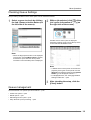
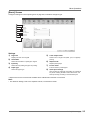
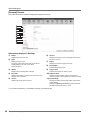
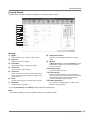
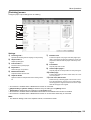
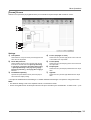
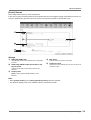
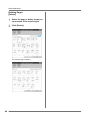
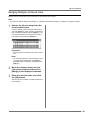
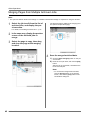
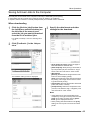
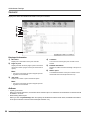
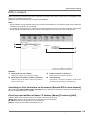
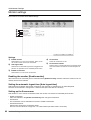
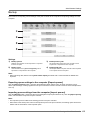
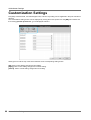
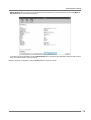
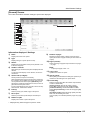
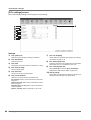
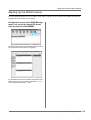
[PCL settings] screen
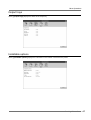
This screen displays settings concerning PCL job processing.
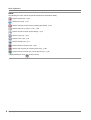
Settings
1) PCL symbol set
Select the symbol set (the encoding of character).
2) PCL default font
Select the PCL font.
3) PCL pitch
Set the pitch of font (the number of characters in 1 inch).
4) PCL lines per page
Set the lines per page.
5) PCL point size
Set the font size for proportional fonts.
6) PCL line termination
Select the conversion process of linefeed code.
[No change]: Select to print a text file from a Windows
computer.
[Add LF after CR]: Select to print a text file from a Macintosh computer.
[Add CR before LF + FF]: Select to print a text file from
a UNIX computer.
[Add LF, add CR]: Select to add both “LF” and “CR”.
84 Managing Custom Queue
7) PCL line wrapping
Select whether to use automatic wrapping according to
the width of the page or not.
8) PCL default paper size
Select the paper size to be applied when the information
about paper size is not contained in a PCL job.
9) PCL custom paper size
When [Custom] is selected in [PCL default paper
size], set the width and the height of paper (mm).
10) Queue priority
When placing a checkmark, the settings of queue are prioritized over the settings for the printer driver.