1
Contents
Limited Warranty .................................................................................................................................... 2
Material Contents Declaration ................................................................................................................ 3
Recycling and Energy Information ......................................................................................................... 3
Declaration of Conformity ....................................................................................................................... 4
Safety Precautions ................................................................................................................................. 5
Safety Precautions ................................................................................................................................. 5
Important Safety Information .................................................................................................................. 6
Getting Started ....................................................................................................................................... 7
Contents ............................................................................................................................................. 7
Installing and Replacing Remote Control Batteries............................................................................ 7
Installation............................................................................................................................................... 8
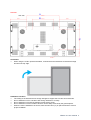
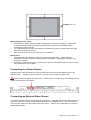
Mounting ............................................................................................................................................. 8
Connecting to a Power Source......................................................................................................... 10
Connecting an External Video Source ............................................................................................. 10
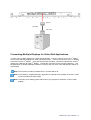
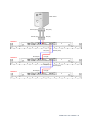
Connecting Multiple Displays for Video Wall Applications ............................................................... 11
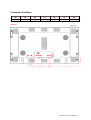
Connector Positions ......................................................................................................................... 13
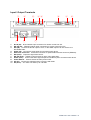
Input / Output Terminals ................................................................................................................... 14
Operating Instructions .......................................................................................................................... 15
Powering On/Off the Display ............................................................................................................ 15
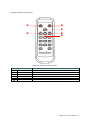
Using the Remote Control ................................................................................................................ 15
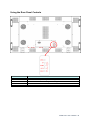
Using the Rear Panel Controls ......................................................................................................... 18
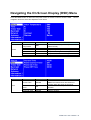
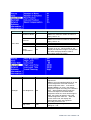
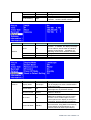
Navigating the On Screen Display (OSD) Menu .................................................................................. 19
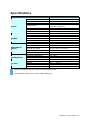
Specifications ....................................................................................................................................... 23
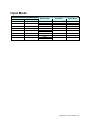
Input Mode............................................................................................................................................ 24
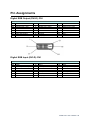
Pin Assignments................................................................................................................................... 25
Digital RGB Output (DVI-D): DVI...................................................................................................... 25
Digital RGB Input (DVI-D): DVI ........................................................................................................ 25
RS-232 Output.................................................................................................................................. 26
RS-232 Input .................................................................................................................................... 26
Troubleshooting.................................................................................................................................... 27
DS551LX4 User Manual 1