1
INSTALLATION
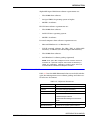
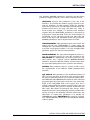
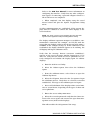
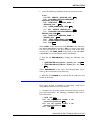
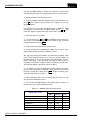
where /dev/rmt is the device name for the tape drive and Nm is
the tape drive logical unit number such as 0m. This command
loads a command file and directory structure into the temporary directory.
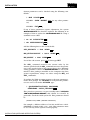
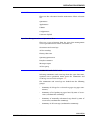
tar is a standard UNIX command where:
-x indicates extract file.
-v indicates verbose, list all files as they are extracted.
-f indicates from listed devices.
If the -f option is omitted and only one device is present it will
default to that device.
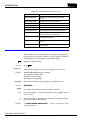
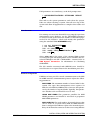
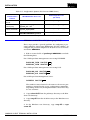
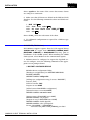
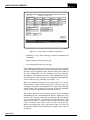
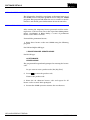
6. At the # prompt, start the installation shell script by typing:
./odms_install_server.sh
Enter
This script prompts for information to be entered, then loads
the SETCIM and open data management server systems.
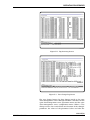
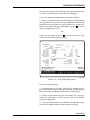
7. After the installation begins, password information is
required. The initial required password is included in the distribution package.
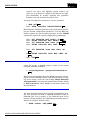
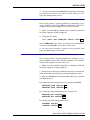
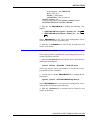
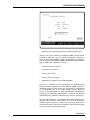
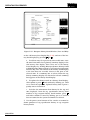
Do you know your SETCIM license password? [YES]?
After pressing Enter or typing YES to continue, the following
prompt appears:
Enter SETCIM license password:
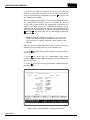
where the license password is provided with the system. The
license password should be entered as it appears on the customer order form. The password permits operation of all products for a limited time.
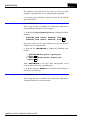
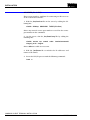
This process can be repeated if necessary by using the following command and entering the original password.
makelicense
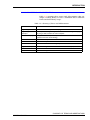
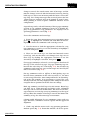
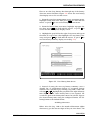
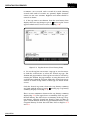
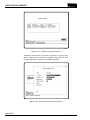
Entering the initial password generates a license code. Enter
the license code in the white background box on the customer
order form (Sheet 2). Fax or mail the customer order to the
Elsag Bailey Open Data Management Server Coordinator at the
following address:
Elsag Bailey
29801 Euclid Ave.
Wickliffe, Ohio 44092
ATTENTION: Open Data Management Server Coordinator,
Mail Stop 3N3
WBPEEUI350003B0
INSTALLATION (HP-UX OPERATING SYSTEM)
3 - 39