1
Melodyne assistant
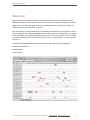
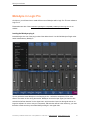
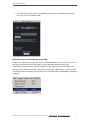
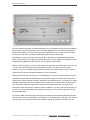
You are advised, as a rule, to insert Melodyne in the first plug-in slot – before the compressor, EQ or
other effects. The reason is this: during the transfer, Melodyne records the input signal you intend to
edit – and with it all effects ahead of it in the signal chain, which are then frozen into the signal and
can no longer be adjusted. In order to use your compressor, EQ and other effects in the usual way,
you need therefore to make sure they come after Melodyne Plugin in the signal chain.
Backing up and exchanging projects
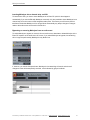
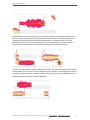
Under Pro Tools 11, Melodyne’s transfer files are stored within the session structure. This means that
if you want to be sure, when archiving your project or passing it on to others, that all instances of
Melodyne will be able to find the audio files they need, the only thing you need to archive or pass on is
the session folder.
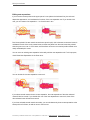
When archiving and passing on projects, you do not need to worry about Melodyne’s audio cache, the
size and location of which can be selected from Melodyne’s Preferences dialog. Melodyne will
automatically restore the parameters found there, so there is no need to archive or copy them
separately.
Duplicating tracks
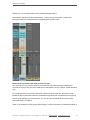
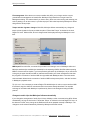
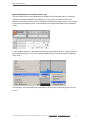
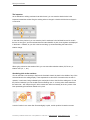
Sometimes you may want to copy a track including its Melodyne instance and Melodyne editing – in
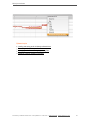
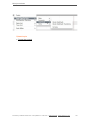
order, for instance, to generate a second voice. To do this, use the “Duplicate …” command in Pro
Tools' Track menu.
© Celemony Software GmbH 2015 • Last updated on 14.01.2015 • Online Manual • www.celemony.com
45