1
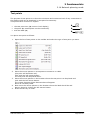
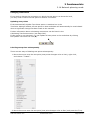
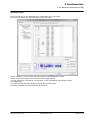
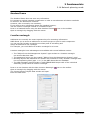
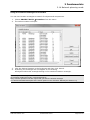
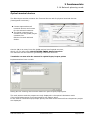
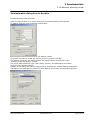
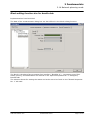
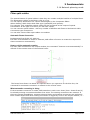
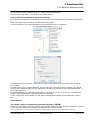
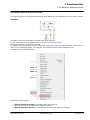
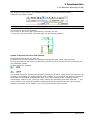
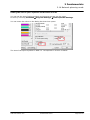
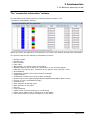
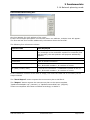
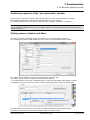
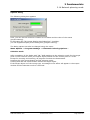
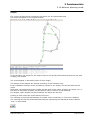
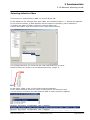
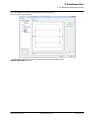
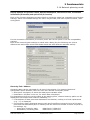
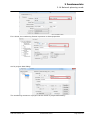
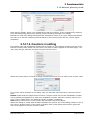
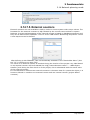
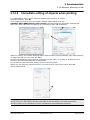
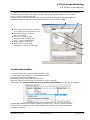
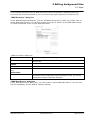
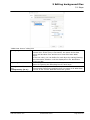
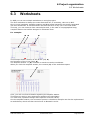
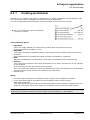
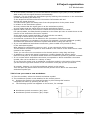
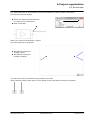
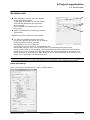
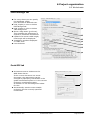
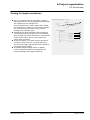
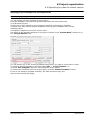
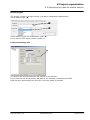
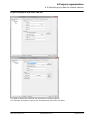
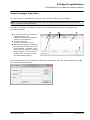
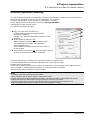
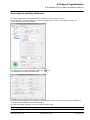
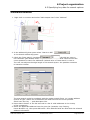
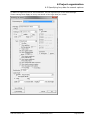
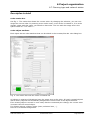
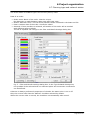
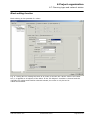
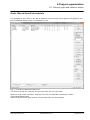
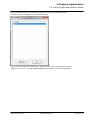
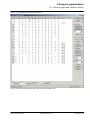
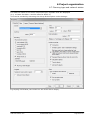
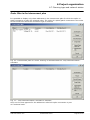
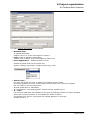
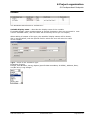
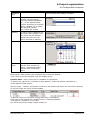
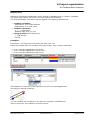
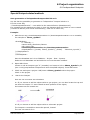
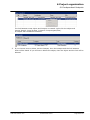
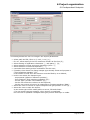
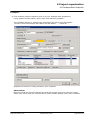
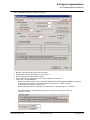
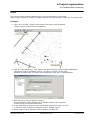
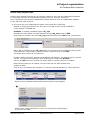
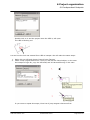
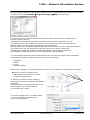
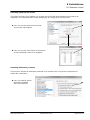
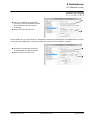
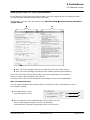
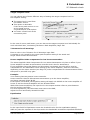
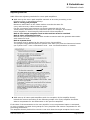
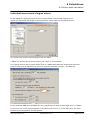
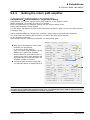
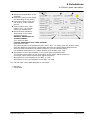
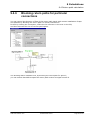
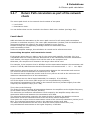
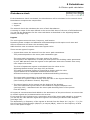
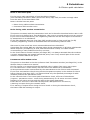
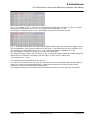
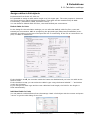
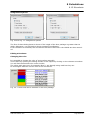
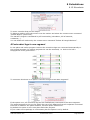
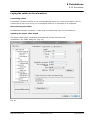
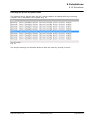
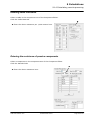
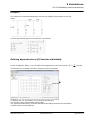
6 Project organization 6.8 Independent Hotspots This dialog allows the user to configure the import parameters: select path and file; filter on (*.xml; *.csv) (1); for csv, allow setting if the file contains a header as first line (5); allows setting of separation characters (, ; tab space |) (3); allows selection of text enclosure characters (none " '); allows selection of decimal separator (, . ); remember last setting at this workstation for this user; if header, then detect if a fitting hotspot type already exists and propose it (“Find matching metadot” (6)); if the header is clear then the columns must be filled by it as default; let the user select the hotspot type: - as proposed (default if detection positive); - from existing (“Find matching metadot” (6)); - as new type (“Create new metadot” (6)); - let the user select the columns to be imported; - let the user map a column to be imported to a hotspot attribute (DAA); allows the user to choose to import hotspots with geo position or not (4) ; allows the user to start the import. A new meta type will be made public to server, DB and clients (if a new meta type was created); when import is completed, the overview is updated if hotspots have geo position and layer is visible. AND Client Manual IV/C © AND Solution GmbH Page 261 of 452