1
PSB-1000 Series Programming Manual
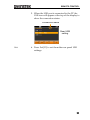
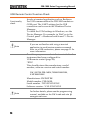
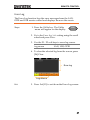
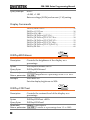
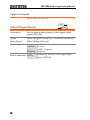
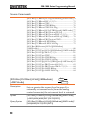
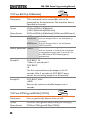
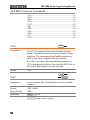
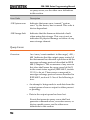
6. To automatically have the network assign an IP
address, set DHCP to ON. Otherwise set DHCP
to OFF to manually set the Ethernet settings.
DHCP
ON, OFF
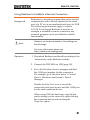
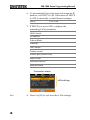
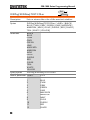
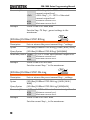
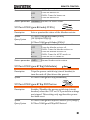
7. If DHCP was set to OFF, configure the
remaining LAN parameters.
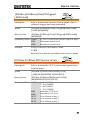
LAN Control
IP Address
Subnet Mask
Gateway
DNS Server
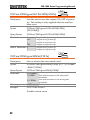
Socket control
Socket port (fixed:2268)
Web control
Password control
Web password
Connection status
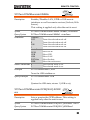
LAN settings
Exit
40
8. Press Exit[F5] to exit from the LAN settings.