1
APS-7000 Programming Manual
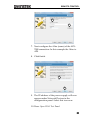
(manufacturer, model, serial number, software
version)
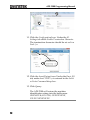
9. If Realterm fails to connect to the APS-7000,
please check all the cables and settings and try
again.
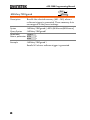
Configure GPIB Interface - Optional
To use GPIB, the optional APS-001 GPIB interface card must first be
installed.
Note
GPIB
Configuration
The GPIB interface card (APS-001) must first be
installed before the GPIB interface can be used for
remote control. Please see the user manual for
installation details.
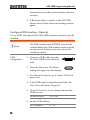
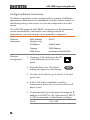
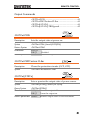
1. Connect a GPIB cable from the
PC to the GPIB on the interface
card.
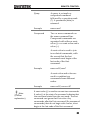
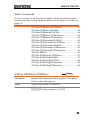
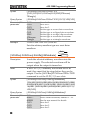
2. Press the Menu key. The Menu
setting will appear on the display.
GPIB
Menu
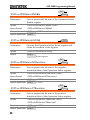
3. Use the scroll wheel to go to item 8, GPIB and
press Enter.
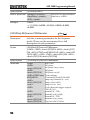
4. If the GPIB card is installed successfully, the
Card Status will show Plugged in.
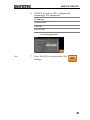
5. Go to the Function Active setting and turn the
GPIB port on.
Function Active
ON, OFF
6. Set the GPIB address.
GPIB Address
26
0 ~ 30