1
Chapter 10
Loops and Charts
Numeric Conversion
Until now, all the numeric controls and indicators you have used have
been double-precision, floating-point numbers represented with 32 bits.
G, however, can represent numerics as integers (byte, word, or long) or
floating-point numbers (single-, double-, or extended-precision). The
default representation for a numeric is a double-precision,
floating-point.
If you wire two terminals together that are of different data types,
G converts one of the terminals to the same representation as the other
terminal. As a reminder, G places a gray dot, called a coercion dot, on
the terminal where the conversion takes place.
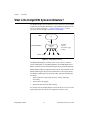
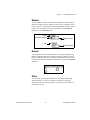
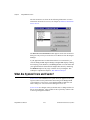
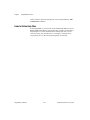
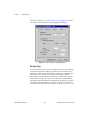
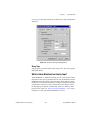
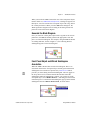
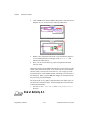
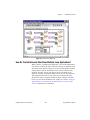
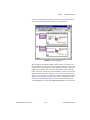
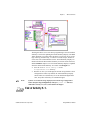
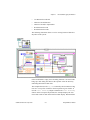
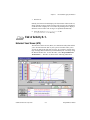
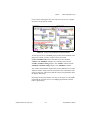
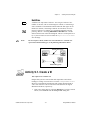
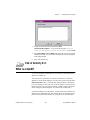
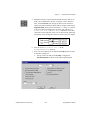
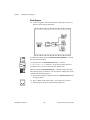
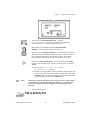
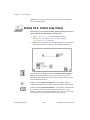
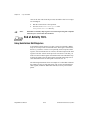
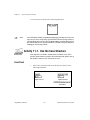
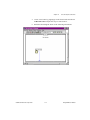
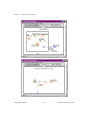
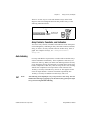
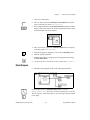
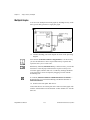
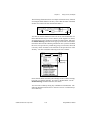
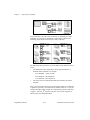
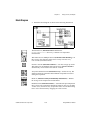
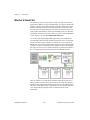
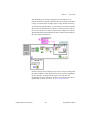
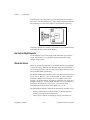
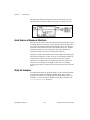
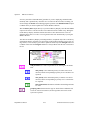
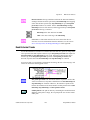
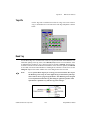
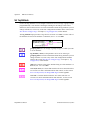
For example, consider the For Loop count terminal. The terminal
representation is a long integer. If you wire a double-precision,
floating-point number to the count terminal, G converts the number to
a long integer. Notice the gray dot in the count terminal of the first For
Loop.
Gray
Dot
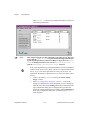
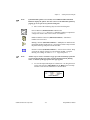
Note:
When the VI converts floating-point numbers to integers, it rounds to the
nearest integer. If a number is exactly halfway between two integers, it is
rounded to the nearest even integer. For example, the VI rounds 6.5 to 6,
but rounds 7.5 to 8.
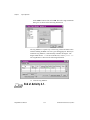
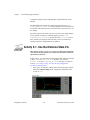
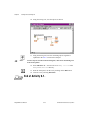
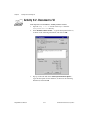
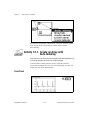
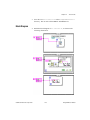
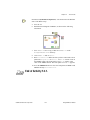
Activity 10-7. Use a For Loop
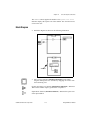
Your objective is to use a For Loop and shift registers to calculate the
maximum value in a series of random numbers.
© National Instruments Corporation
10-23
BridgeVIEW User Manual