1
About This Manual
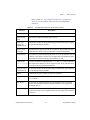
<>
Angle brackets enclose the name of a key on the keyboard—for
example, <PageDown>.
-
A hyphen between two or more key names enclosed in angle brackets
denotes that you should simultaneously press the named keys—for
example, <Control-Alt-Delete>.
<Control>
Key names are capitalized.
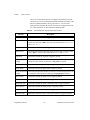
»
The » symbol leads you through nested menu items and dialog box
options to a final action. The sequence
File»Page Setup»Options»Substitute Fonts directs you to pull down
the File menu, select the Page Setup item, select Options, and finally
select the Substitute Fonts option from the last dialog box.
paths
Paths in this manual are denoted using backslashes (\) to separate drive
names, directories, and files, as in
C:\dir1name\dir2name\filename.
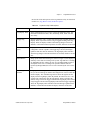
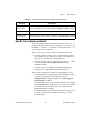
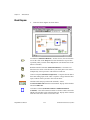
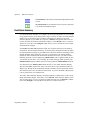
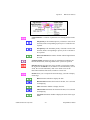
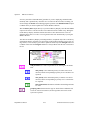
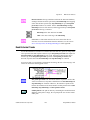
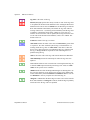
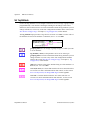
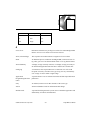
This icon to the left of bold text denotes the beginning of an activity, which
contains step-by-step instructions you can follow to learn more about
BridgeVIEW.
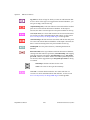
This icon to the left of bold text denotes the end of an activity, which
contains step-by-step instructions you can follow to learn more about
BridgeVIEW.
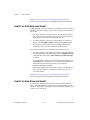
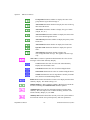
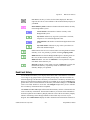
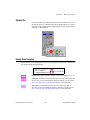
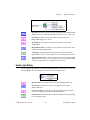
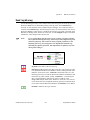
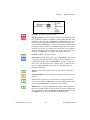
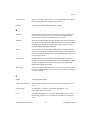
This icon to the left of bold italicized text denotes a note, which alerts
you to important information.
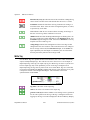
This icon to the left of bold italicized text denotes a caution, which
alerts you to the possibility of data loss or a system crash.
This icon to the left of bold italicized text denotes a warning, which
alerts you to the possibility of damage to you or your equipment.
Abbreviations, acronyms, metric prefixes, mnemonics, symbols, and
terms are listed in the Glossary.
Related Documentation
The following documents contain information that you might find
helpful as you read this manual:
•
G Programming Reference Manual
•
BridgeVIEW Online Reference, available online by selecting
Help»Online Reference
© National Instruments Corporation
xxiii
BridgeVIEW User Manual