1
9. Aditional capabilities in machines with display New Elegance
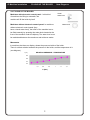
9.5. Day Off adjustment
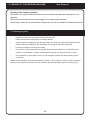
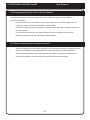
If automatic On and Off times have been assigned, a day off can be enabled in which the machine
will not switch on: the day off.
Note that if the function of Auto On/Off was not enabled,
this menu will not appear.
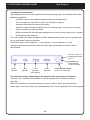
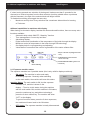
To adjust the day Off, press “+” (one short espresso)
or “-“ (one long espressos, as needed, till reaching the
desired value; then accept it by pressing “OK” (two short espressos).
•
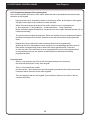
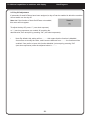
Note: By default, this setting will be: - - : - - this means that the function is disabled.
As soon as we modify the value, and it become different from - - : - - the function will be
enabled. If we prefer to leave this function disabled, just accept by pressing “OK”
(two short espressos) while the adjusted value is - - : - -
21.