1
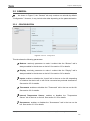
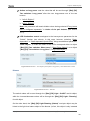
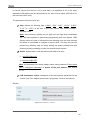
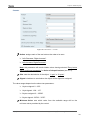
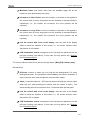
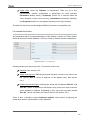
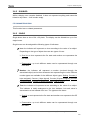
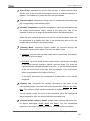
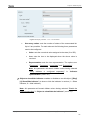
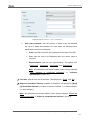
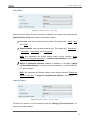
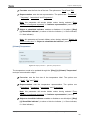
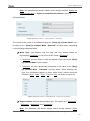
Square TMD-Display Counter Figure 32 Pair Buttons – Counter. Action: assigns each of the two buttons the order to be sent: “Left=Decrease; Right=Increase”. “Left=Increase; Right=Decrease”. Note: this parameter will remain hidden unless having selected “Every button pair is configured separately” in Action of the pair buttons (see 2.3.1). Size: sets the desired size of the object, “1 byte” or “2 bytes”. Signed: checkbox to set whether the object will be signed or unsigned. The value ranges depend on the above two parameters: 1 byte unsigned: 0 – 255. 1 byte signed: -128 – 127. 2 bytes unsigned: 0 – 65535. 2 bytes signed: -32768 – 32767. Minimum Value: sets which value from the available range will be the minimum value permitted by the control. http://www.zennio.com Technical Support: http://zennioenglish.zendesk.com 43