1
Note: To be able to use push e-mail, you
need to have an exchange server. Microsoft
Exchange Server also supports useful
functions such as remote device wipe.
To find out more on the benefit and usage of
Microsoft Exchange server, please visit
Microsoft’s website,
http://www.microsoft.com.
7.7 Messenger
Windows Live Messenger provides MSN function. To
use these functions, you will need to turn on Wi-Fi or
data connection.
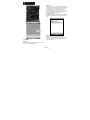
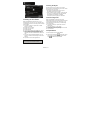
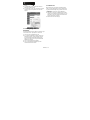
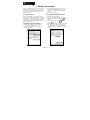
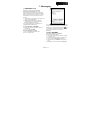
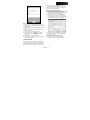
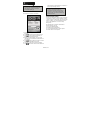
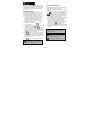
2. Input your e-mail address in “E-mail Address”
field, and then tap “Next”.
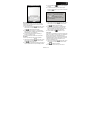
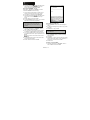
3. Input your user name, password, and domain
name, and then tap “Next”.
4. Tap “Skip” to skip automatic configuration or wait
for its procession.
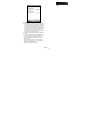
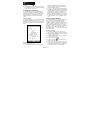
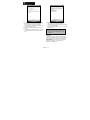
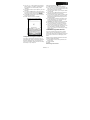
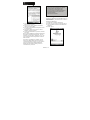
5. Input the IP address of your server in “Server
Address”, and then tap “Next”.
6. Choose the wanted data to synchronize, and then
tap “Finish”.
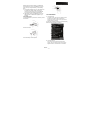
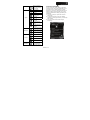
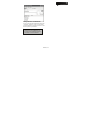
Windows Live Messenger:
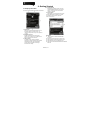
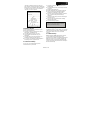
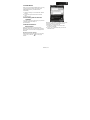
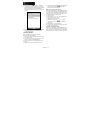
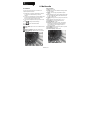
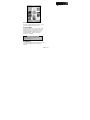
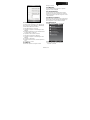
1. Select Start > Programs > Messenger
2. Select your sign in status, and then tap “Sign in”.
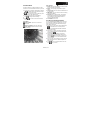
3. Input your MSN or Hotmail e-mail address and
password.
4. Select “Sign In”.
Now you have established a cooperative relationship
for the device and the Exchange Server. The next
time when you select Start > ActiveSync > Sync, you
may synchronize with Exchange Server via Wi-Fi or
data connection.
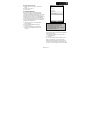
Once you are connected to the network, you may
look up your Global Address List over the air from
your device by tapping “Contacts”. You may send an
e-mail to a contact on your Global Address List
following the same steps as sending e-mail to a
contact saved on your device.
MW702│7-6