1
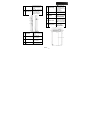
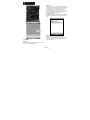
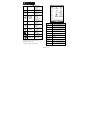
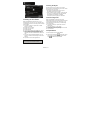
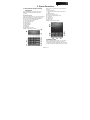
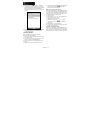
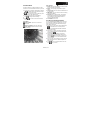
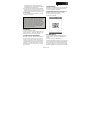
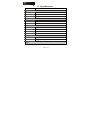
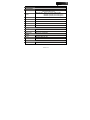
Wi-Fi is activated; a
Wi-Fi network is in
range; Wi-Fi network
is connected.
Strong signal.
No signal.
Roaming.
Signal
Message
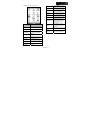
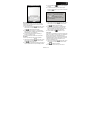
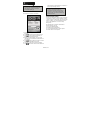
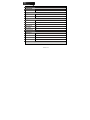
GPS signal is trying to
connect, and is
connected.
GPS Tracking is trying
to connect.
GPS Tracking is
connected.
Location Message
GPS signal is trying to
detect.
Location Message
GPS signal is
detected.
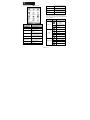
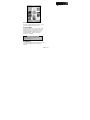
You have one or more
new message(s).
You have one or more
new voice mail(s).
You have one or more
instant message(s).
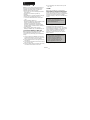
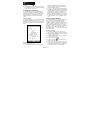
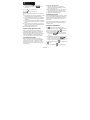
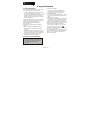
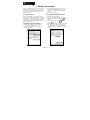
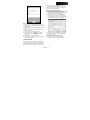
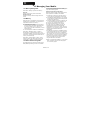
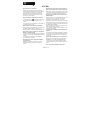
2.2 Screen orientation
You can choose your screen display in Portrait or
Landscape mode. The Portrait mode allows you to
get a better view or a better operation of certain
programs on your device, while Landscape may be
optimal for viewing longer text files. You can also
change the default screen display by following the
steps below:
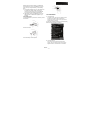
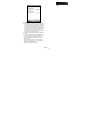
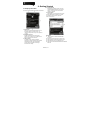
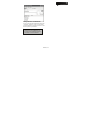
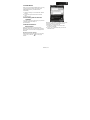
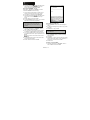
1. Tap Start > Settings > System tab > Screen >
General tab.
2. On General tab screen, select your desired
orientation, Portrait (right-handed), or Landscape
(left-handed).
3. Tap OK, and the screen will be changed
accordingly.
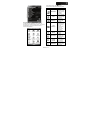
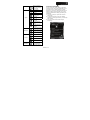
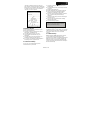
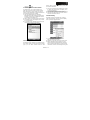
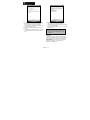
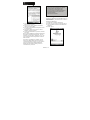
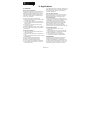
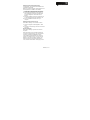
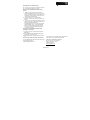
System volume.
Phone volume.
Volume
Portrait
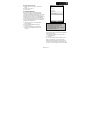
Ringer is on.
Ringer is off.
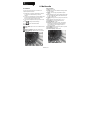
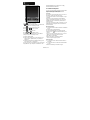
Quick Menu
Memory Management,
Adjust Brightness,
Quick Menu Setting.
MW702│2-6