1
Auto-Scan cont.
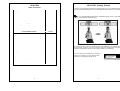
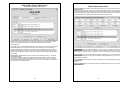
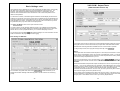
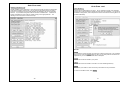
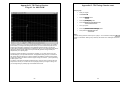
[Gateway Installation List]
Usually available only on Gateways in cars using a direct CAN connection for diagnostics
(new A8 and all Golf-5 chassis cars). This very fast function takes about 3 seconds to
query the car's Gateway to find out what modules are installed in the car and what their
status is. Any modules having fault codes should show a "Malfunction". Modules are
directly accessible from this screen by double clicking on the appropriate line. The
following screen-shot is from a Golf-5 in Europe:
Auto-Scan cont.
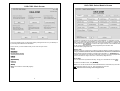
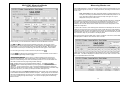
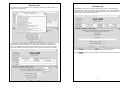
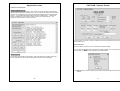
[Clear All DTC's]
This function is implemented in two ways. On pre-CAN-Bus vehicles, VAG-COM will
access each control module and clear DTCs from each one individually. On vehicles using
CAN-Bus for diagnostics, VAG-COM performs this function without accessing all the control
modules individually.
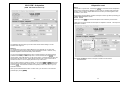
Results:
[Copy]
If you close the Auto-Scan dialog, any data in its output box will be lost. If you would like to
keep a record, click the [Copy] button first, then you can then paste the results into the
application of your choice, such as MS Word or Notepad.
[Print]
This function sends the results to your printer.
[Save]
This function saves the results to a text file in our VAG-COM\Logs directory.
[Clear]
This erases your results. It does not clear any fault codes from any Controllers.
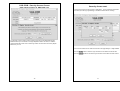
To return to the Main Screen, click [Close]
40
41