1
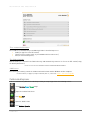
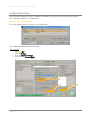
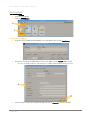
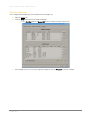
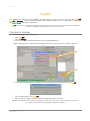
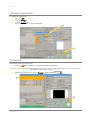
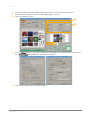
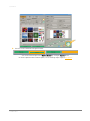
I N T R O D U C T I O N Introduction This guide will take you through the configuration process of a Caldera Workstation, from the system installation to the first print you will perform. • The first chapter explains what you will find out of the box, when you receive your software (and possibly your hardware). Page 4 • The second chapter covers the installation and registration procedures, the patches, drivers and profiles installation and how to configure your printer drivers. Page 5 • The third chapter explains how to print a file with CopyRIP. Page 18 • The fourth chapter gives basic instructions for using a Visual / Grand product (VisualRIP, VisualRIP+ and GrandRIP+). Page 22 • The fifth chapter covers different technical issues, such as sharing your folders on the network using VNC (Virtual Network Computing). Page 34 • The last chapter explains how to find the documentation on the workstation and on Caldera’s Usernet. Page 40 3 Caldera 2013