1
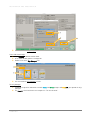
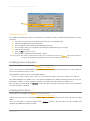
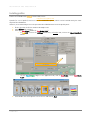
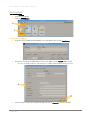
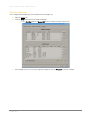
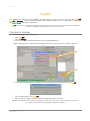
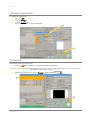
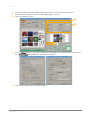
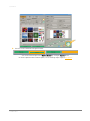
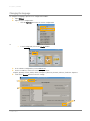
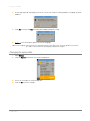
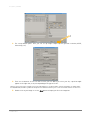
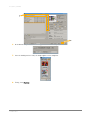
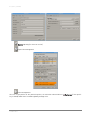
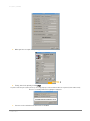
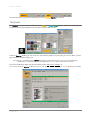
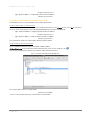
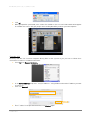
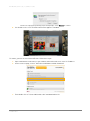
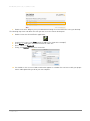
C O P Y R I P 3. The print configuration window opens. Change your printer if it is not the one you want to use. 4. Set all parameters (media, resolution, mode, loading, quality, size, etc.). 5. Choose the number of copies. 3 4 5 6. Use the Settings button to access more options before printing such as print position, print mode, the use of Step&Repeat or the addition of crop marks for examples. 7. Click then on the green button to submit the print. 20 Caldera 2013