1
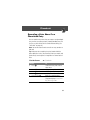
Shortcuts
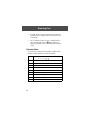
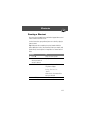
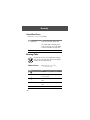
Your phone includes several pre-programmed shortcuts. You can
create additional shortcuts, if you like, to mark frequently used
menu items.
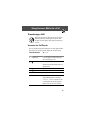
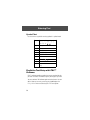
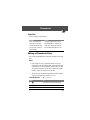
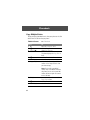
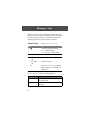
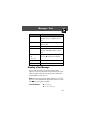
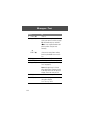
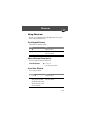
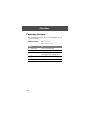
Standard Shortcuts
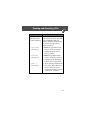
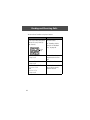
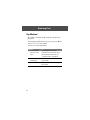
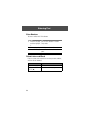
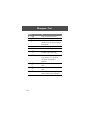
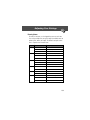
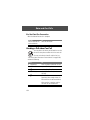
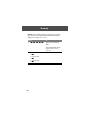
The following shortcuts are pre-programmed in your phone. You
cannot edit or delete these shortcuts.
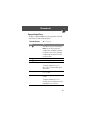
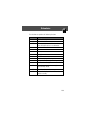
Do This
Press M, then press
and hold M (within
two seconds)
Press M #
Press N
Press O
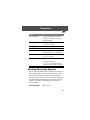
To
zoom in/out your phone’s display
view
(See “Changing the Zoom Setting”
on page 29.)
display your phone number
go to the dialed calls list
(See “Recent Calls” on page 77.)
exit the menu system, return to the
idle display
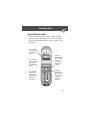
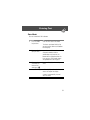
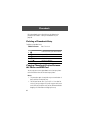
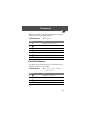
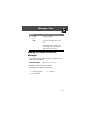
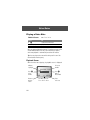
User-Settable Shortcuts
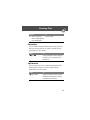
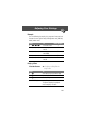
You can create shortcuts to many menu features and
applications. A shortcut takes you directly to the menu item, or
performs the menu action (if applicable).
116