1
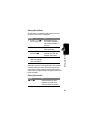
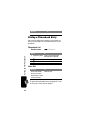
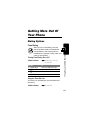
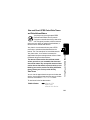
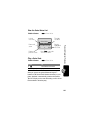
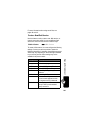
View and Dismiss an Event Reminder
When you set a reminder alarm for an event, the phone
displays an event reminder and sounds a reminder alarm.
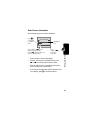
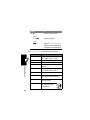
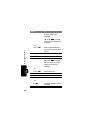
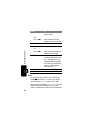
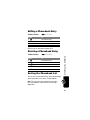
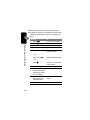
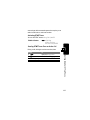
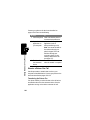
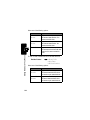
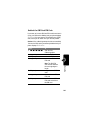
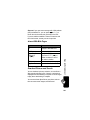
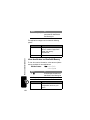
To view or dismiss an event reminder:
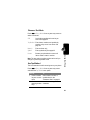
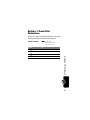
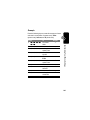
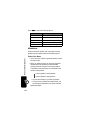
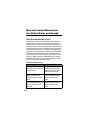
Press
VIEW (+)
To
view the event
or
EXIT (-)
dismiss the reminder
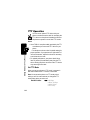
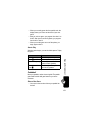
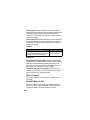
If you have more than one event set up for the same time,
the phone displays each event in sequence. As you view
and dismiss each event reminder, the next one is
displayed.
Personal Organizer Features
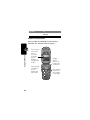
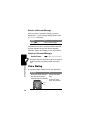
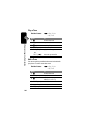
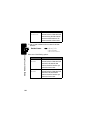
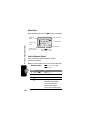
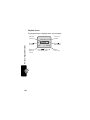
Press S to scroll through the
event details.
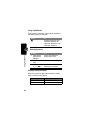
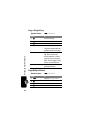
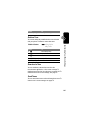
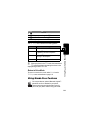
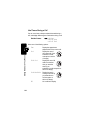
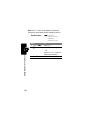
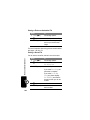
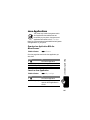
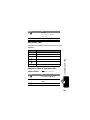
Change the Datebook Setup
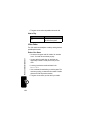
You can change the datebook’s daily start time, and set
the length of time that events are stored.
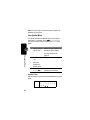
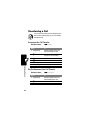
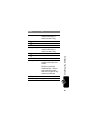
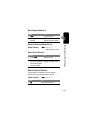
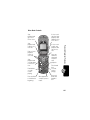
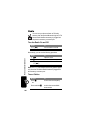
Find the Feature
M > Datebook
M > Setup
151