1
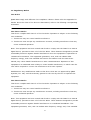
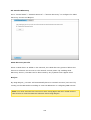
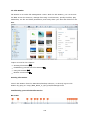
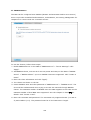
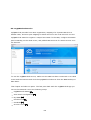
8.11 Transcode Management
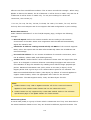
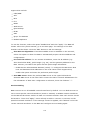
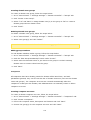
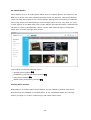
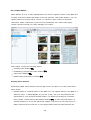
Transcoding is the process of converting video files into an universal format (*.MP4)
that is compatible with the broadest range of media players such as mobile devices and
Smart TVs. Converted files with a range of resolutions can be used across different
network environments for a better viewing experience. After transcoding tasks are
created, they can be managed here. The transcoding service is enabled by default.
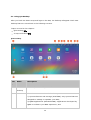
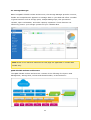
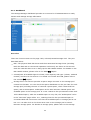
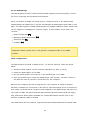
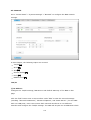
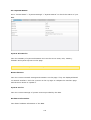
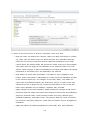
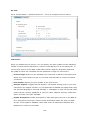
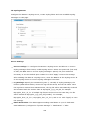
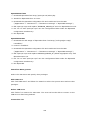
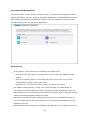
O n- the - fly Tra nsc oding Ta sk
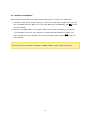
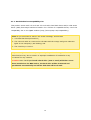
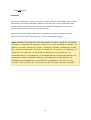
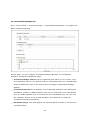
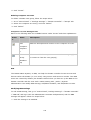
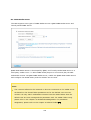
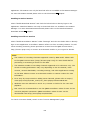
On-the-fly transcoding will simultaneously convert and stream a video while you watch
it. This will consume more CPU resources. If your NAS has hardware transcoding
acceleration, it is recommended to install the CodexPack to increase transcoding
speeds and reduce CPU load. You are able to view and manage who is using on-the-fly
transcoding services.
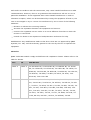
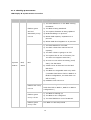
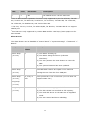
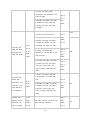
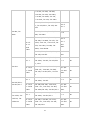
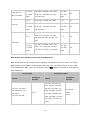
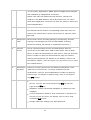
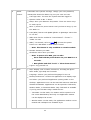
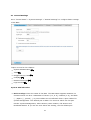
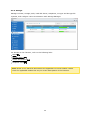
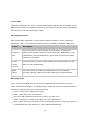
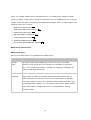
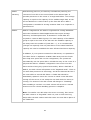
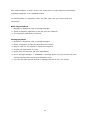
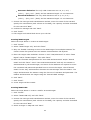
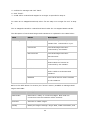
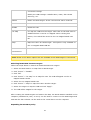
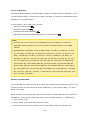
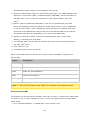
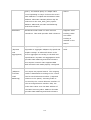
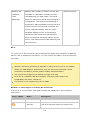
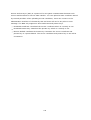
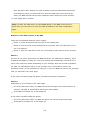
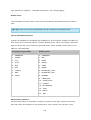
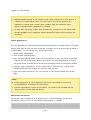
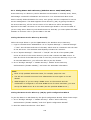
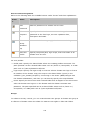
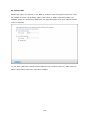
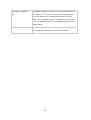
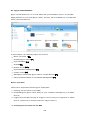
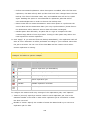
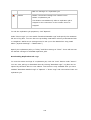
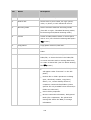
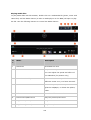
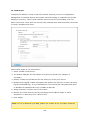
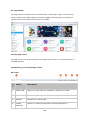
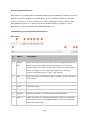
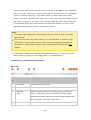
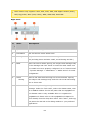
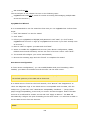
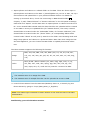
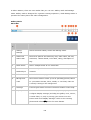
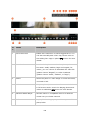
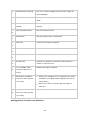
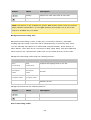
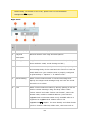
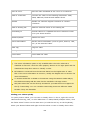
Manage transcoding tasks using the following buttons:
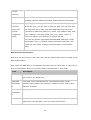
Button
Name
Description
Refresh
Refresh
Refresh the list.
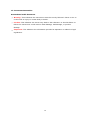
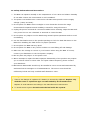
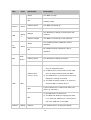
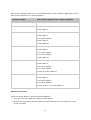
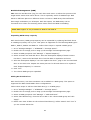
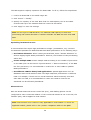
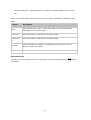
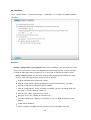
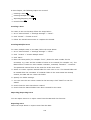
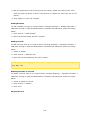
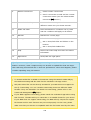
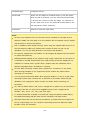
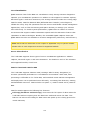
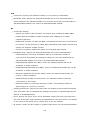
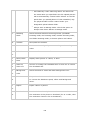
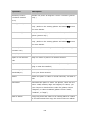
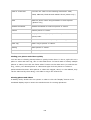
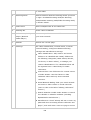
Manage each task with the following buttons:
353