1
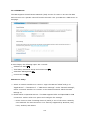
connected.
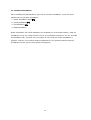
Ma na ging the e nc ry ption ke y
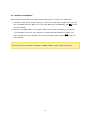
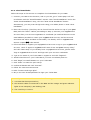
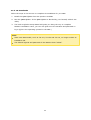
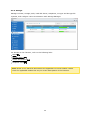
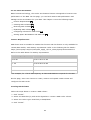
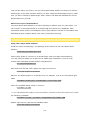
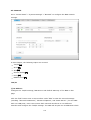
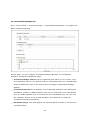
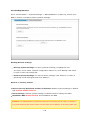
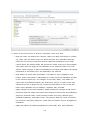
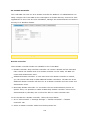
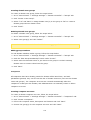
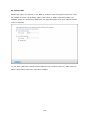
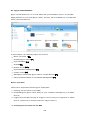
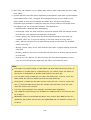
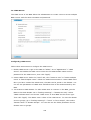
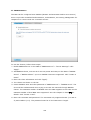
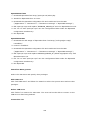
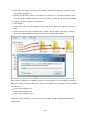
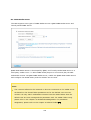
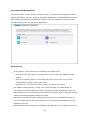
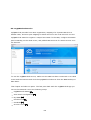
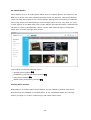
1. To change the encryption password or download an encryption key file, click
"Encryption Management".
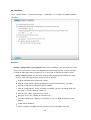
2. Select "Manage encryption key". Click "Next".
3. Select to change the encryption password or download the encryption key file to
the local PC.
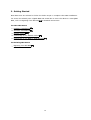
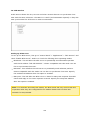
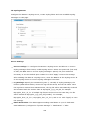
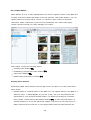
Da ta Sha ring
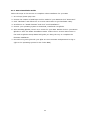
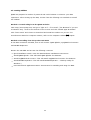
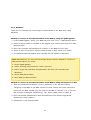
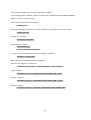
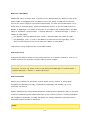
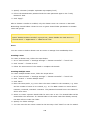
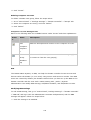
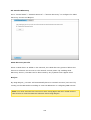
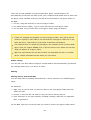
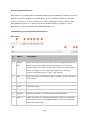
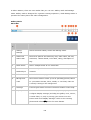
Select one of the following settings for an external storage device connected to a 1-bay
NAS:
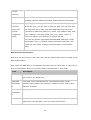
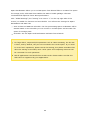
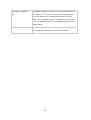
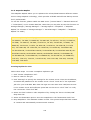
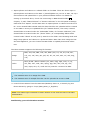
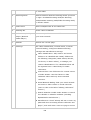
Data sharing: Use the external drive for storage expansion of the NAS.
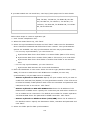
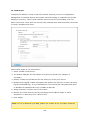
Q-RAID 1: Configure the external drive and a local hard drive on the NAS as Q-RAID
1. Q-RAID 1 enables one-way data synchronization from the NAS to the external
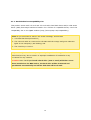
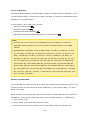
storage device but does not offer any RAID redundancy. Note tha t the e x te rna l
driv e will be form a tte d whe n Q - RAID 1 is e x e c ute d.
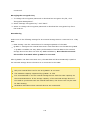
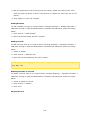
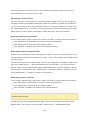
After Q-RAID 1 has been executed once, the NAS data will be automatically copied to
the external storage device whenever it is connected to the NAS.
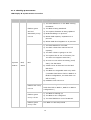
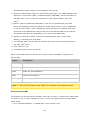
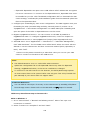
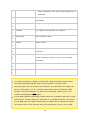
Note :
Only one external drive can be set as Q-RAID 1 at one time.
The maximum capacity supported by Q-RAID 1 is 2TB.
It is recommended to use an external storage device with the same capacity as
the internal NAS drive. If the storage capacity of the external storage device is
too small to synchronize with the internal hard drive, the device can only be used
for data sharing.
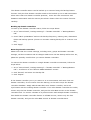
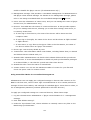
HD Station will reboot when external devices are unmounted.
143