1
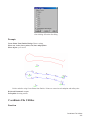
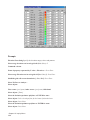
Prompts
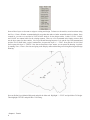
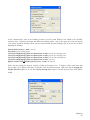
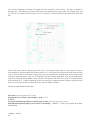
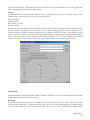
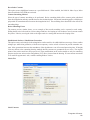
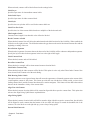
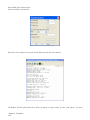
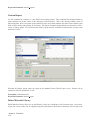
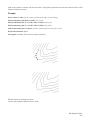
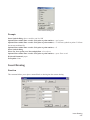
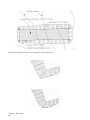
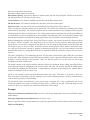
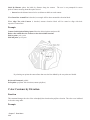
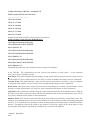
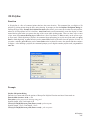
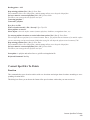
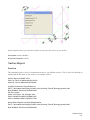
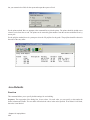
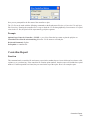
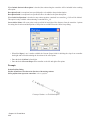
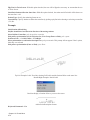
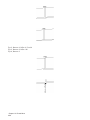
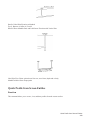
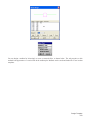
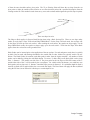
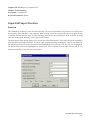
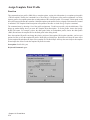
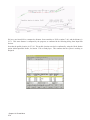
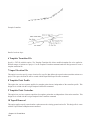
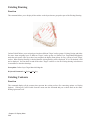
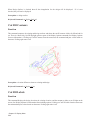
1 Select Line, Arc, or Polyline to Break
Select object: select entity to break
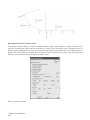
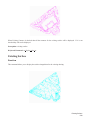
2 [int on] Pick Intersection to break at: pick intersection point
Prerequisite: None
Keyboard Command: BREAKAT
Change Properties
Function
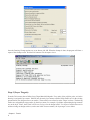
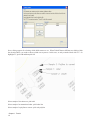
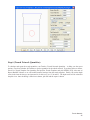
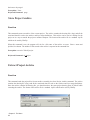
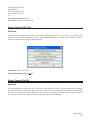
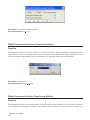
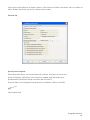
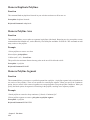
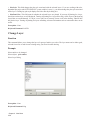
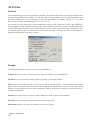
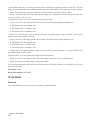
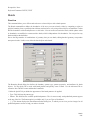
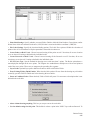
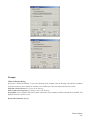
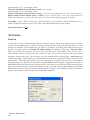
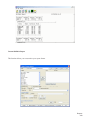
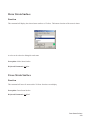
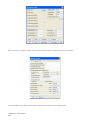
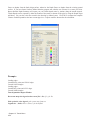
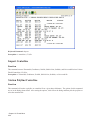
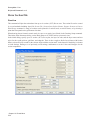
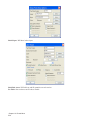
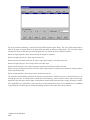
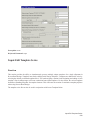
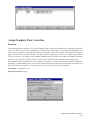
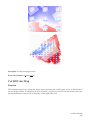
This command allows you to change certain properties of existing objects.
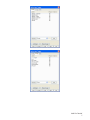
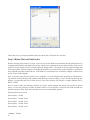
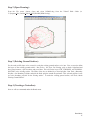
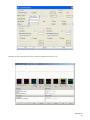
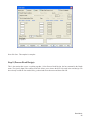
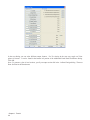
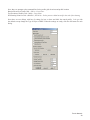
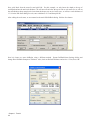
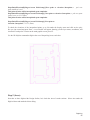
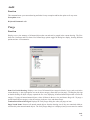
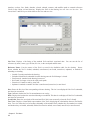
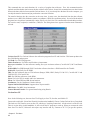
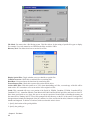
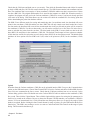
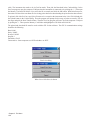
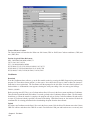
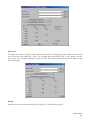
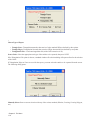
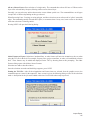
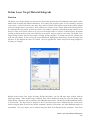
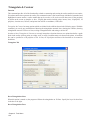
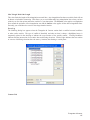
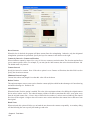
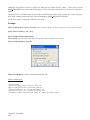
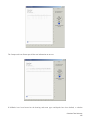
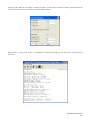
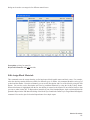
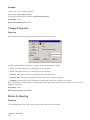
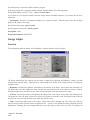
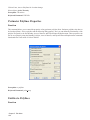
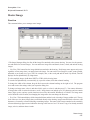
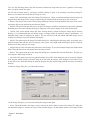
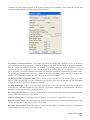
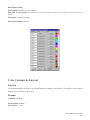
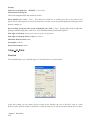
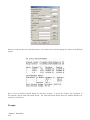
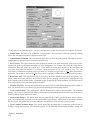
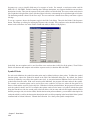
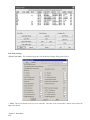
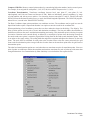
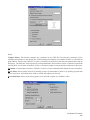
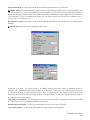
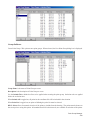
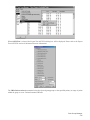
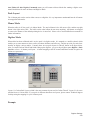
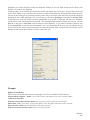
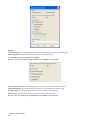
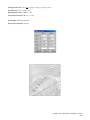
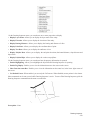
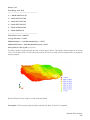
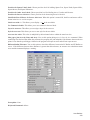
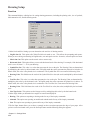
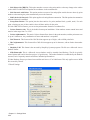
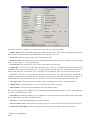
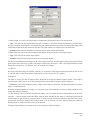
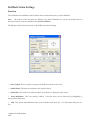
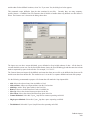
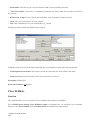
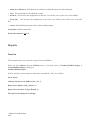
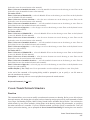
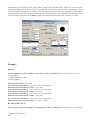
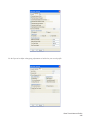
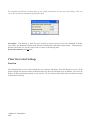
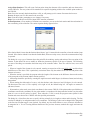
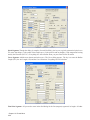
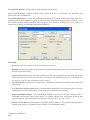
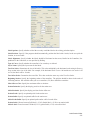
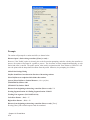
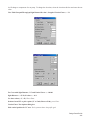
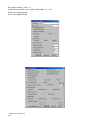
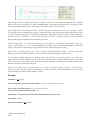
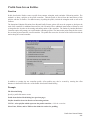
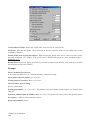
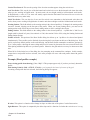
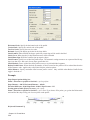
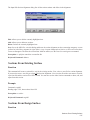
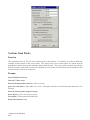
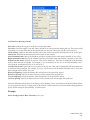
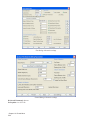
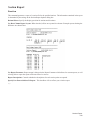
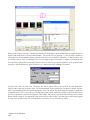
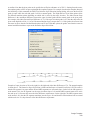
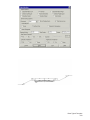
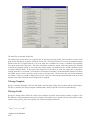
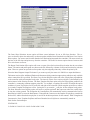
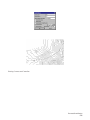
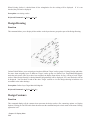
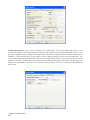
1 In the Change Properties dialog box, you must choose the properties to modify.
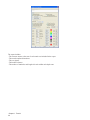
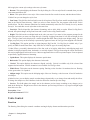
• Color: This option allows you to change the color of the object.
• Layer: This option allows you to change the layer of the object.
• Linetype: This option allows you to change the linetype of the object.
• Linetype Scale: This option specifies the linetype scale factor for the new linetype.
• Thickness: This option specifies the distance to extrude the object above or below its elevation.
Note: The Properties command allows you to modify entity specific properties such as the radius of a circle or the
height of a text entity.
Prerequisite: None
Keyboard Command: DDCHPROP
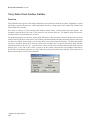
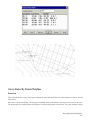
Rotate by Bearing
Function
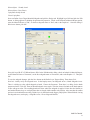
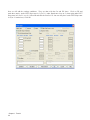
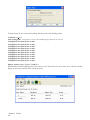
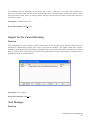
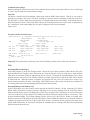
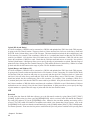
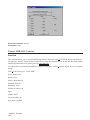
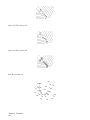
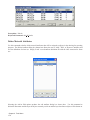
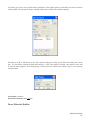
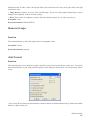
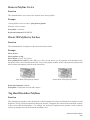
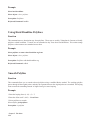
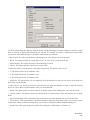
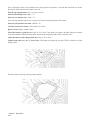
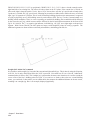
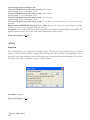
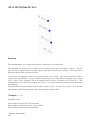
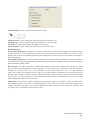
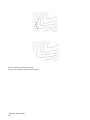
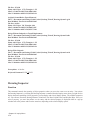
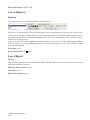
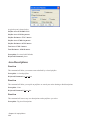
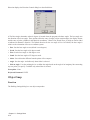
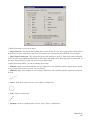
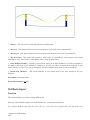
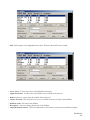
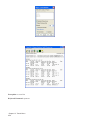
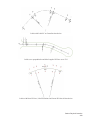
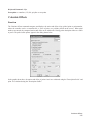
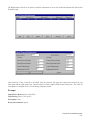
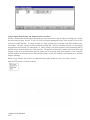
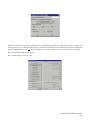
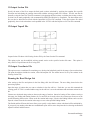
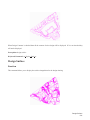
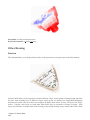
This command allows you to move objects about a base point by a given bearing.
Chapter 5. Edit Menu
188