1
Title Block
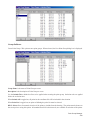
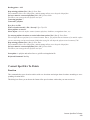
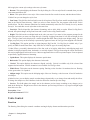
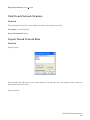
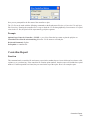
This function is different depending on your AutoCAD version
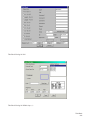
Function (AutoCAD R14)
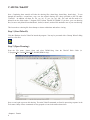
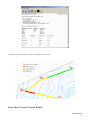
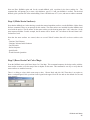
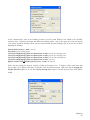
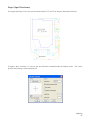
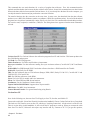
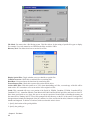
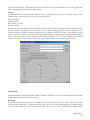
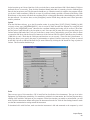
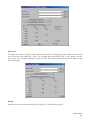
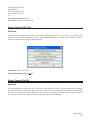
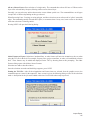
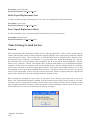
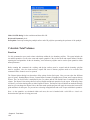
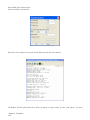
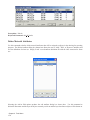
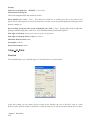
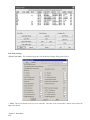
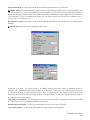
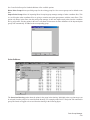
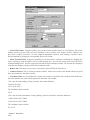
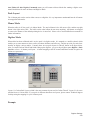
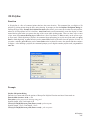
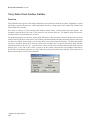
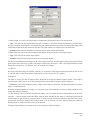
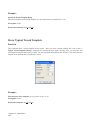
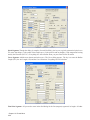
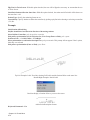
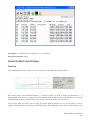
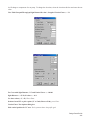
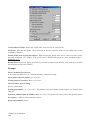
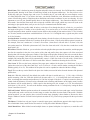
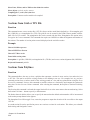
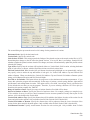
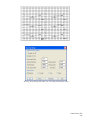
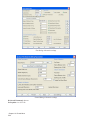
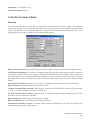
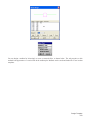
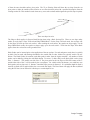
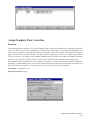
This command draws a border and title block for the selected sheet size. The margins to useare specified at the
bottom of the dialog. Margins are needed so that the border fits in theplotter's plotable area. For sheet 11x17 or
smaller, a 1/2 inch margin is typical. For larger sheets, atypical margin is 3/4 inch. The LIMITS of the drawing can be
set to the lower left and upper rightcorners of the border. To change the title block, edit the drawing TBLOCK.DWG
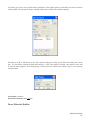
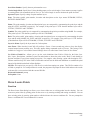
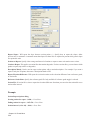
in the \SUP directory.Click the toggle User Defined to set a custom sheet size. The default user defined size can
be storedin the Configure TakOff command under the General Settings option. After the title blockis drawn, the
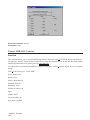
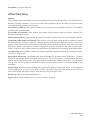
contents can be edited using the Attribute Edit command under the Modify menu.The Change Scale button will
change the scale for the title block and for the drawing.
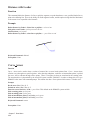
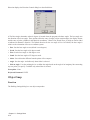
Function (AutoCAD R2000 and up)
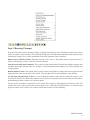
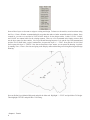
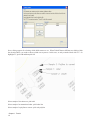
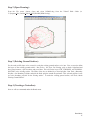
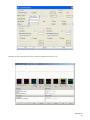
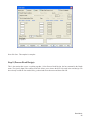
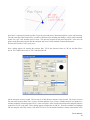
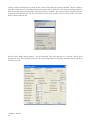
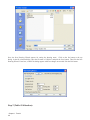
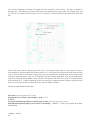
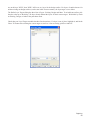
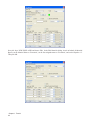
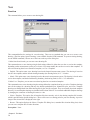
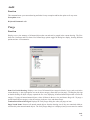
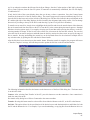
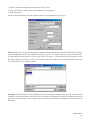
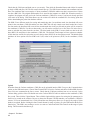
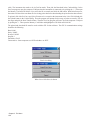
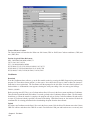
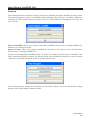
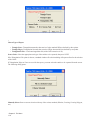
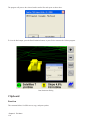
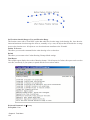
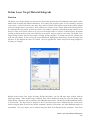
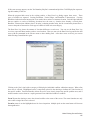
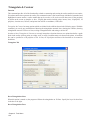
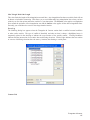
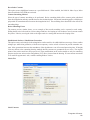
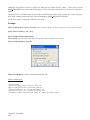
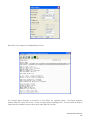
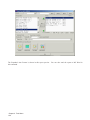
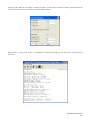
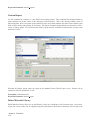
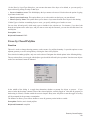
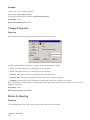
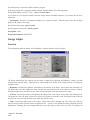
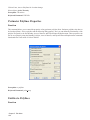
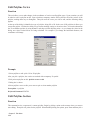
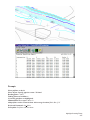
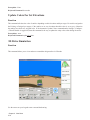
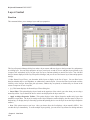
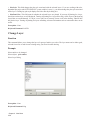
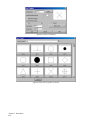
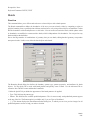
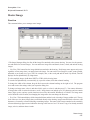
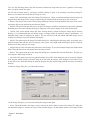
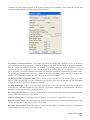
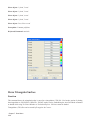
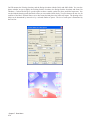
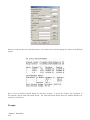
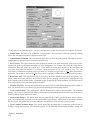
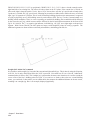
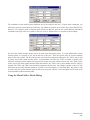
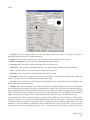
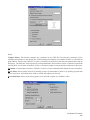
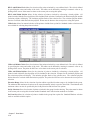
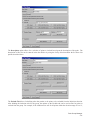
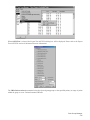
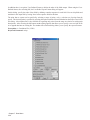
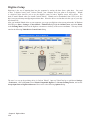
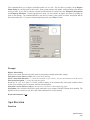
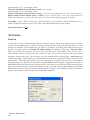
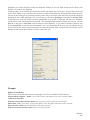
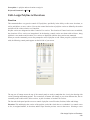
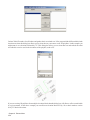
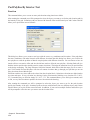
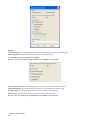
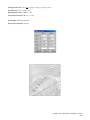
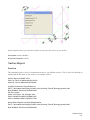
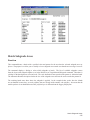
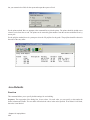
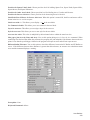
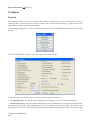
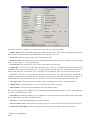
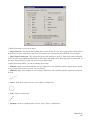
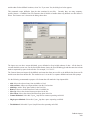
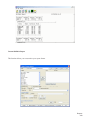
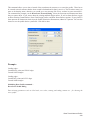
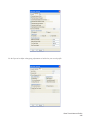
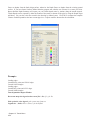
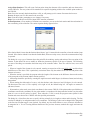
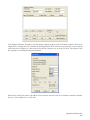
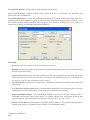
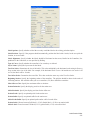
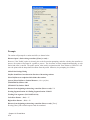
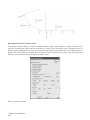
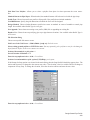
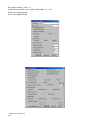
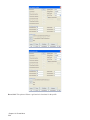
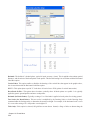
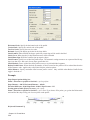
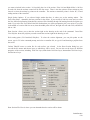
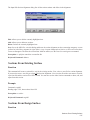
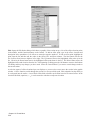
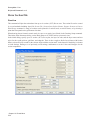
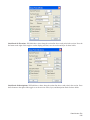
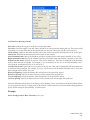
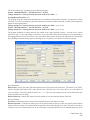
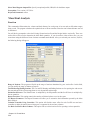
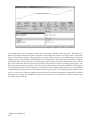
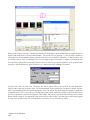
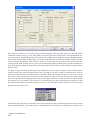
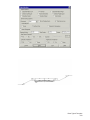
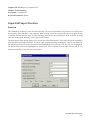
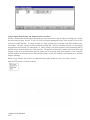
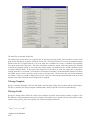
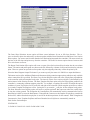
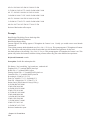
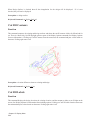
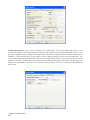
This command draws a border and title block for the selected sheet size. At the top of thedialog, choose your
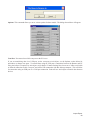
horizontal scale and sheet size. The *other* choice at the bottom of each list willallow you to add your own scale or
size if yours is not listed. Anything added to these lists will beretained for future use. Next, choose either ''landscape''
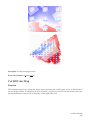
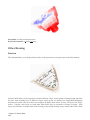
or ''portrait'' format. A blue rectangle next tothis choice shows you the difference. Below this, you can choose what
layer to draw the borderand title block on. The margins to use are specified next at the bottom of the dialog. On
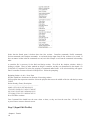
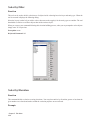
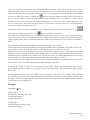
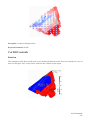
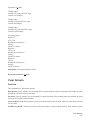
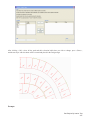
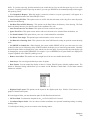
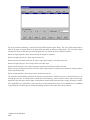
the righthand side of the dialog. you can choose from several title blocks. As you choose each one, apreview will
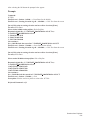
be shown below this list. This routine looks for all drawings named ''tblock'' in the\SUP directory. If you want to
add your own title block, simply create a new drawing (or copy anexisting one) in the \SUP directory and give it a
name that starts with tblock. Example: tblock22.dwgand tblock-Jones.dwg are both valid names for this routine, but
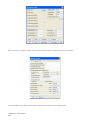
''MyTitleblk.dwg'' is not. Afteryou have made all your decisions in the dialog box, press OK. Depending on your
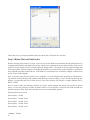
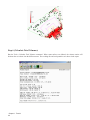
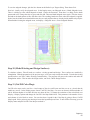
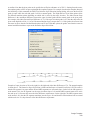
current zoomlevel, your drawing may be zoomed out to allow you to see the entire area that will be covered bythe
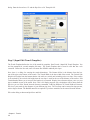
drawing border. At this point, you have the border attached to your cursor and itis waiting for you to pick a point for
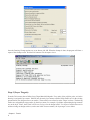
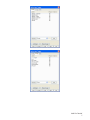
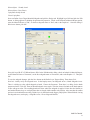
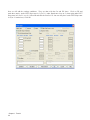
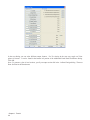
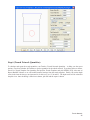
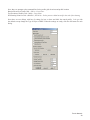
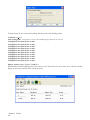
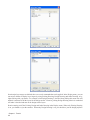
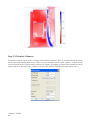
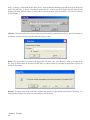
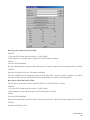
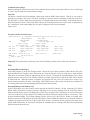
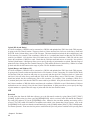
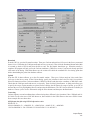
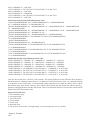
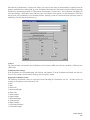
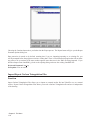
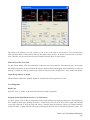
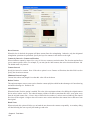
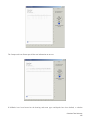
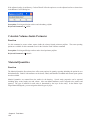
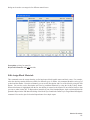
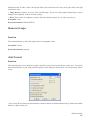
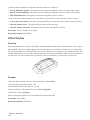
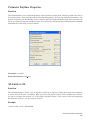
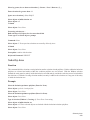
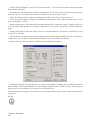
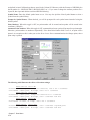
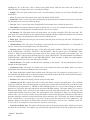
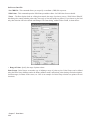
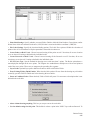
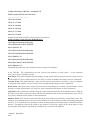
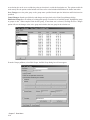
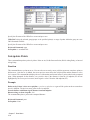
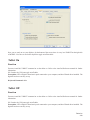
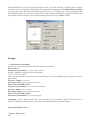
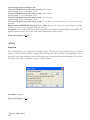
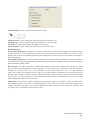
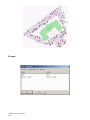
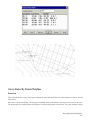
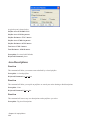
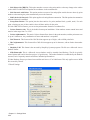
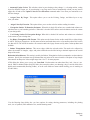
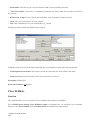
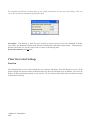
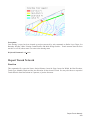
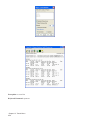
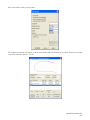
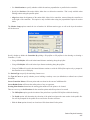
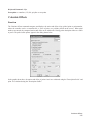
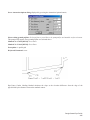
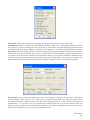
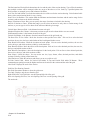
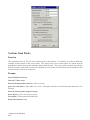
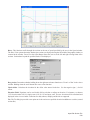
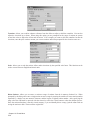
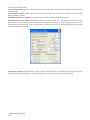
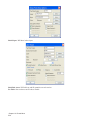
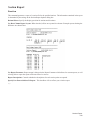
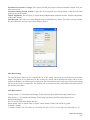
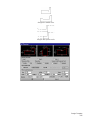
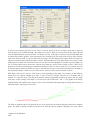
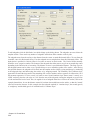
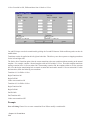
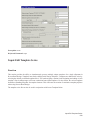
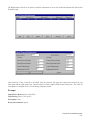
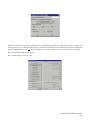
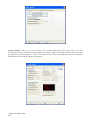
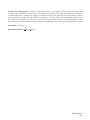
insertion. As soon as you do this, a secondarydialog will appear for you to fill out theattributes associated with the
particular title blockyou selected.
Prerequisite: set horizontal scale in Drawing Setup
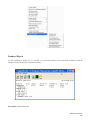
<>Keyboard Command: tblock
Chapter 7. Draw Menu
260