1
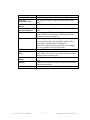
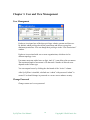
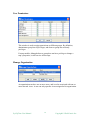
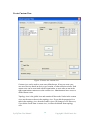
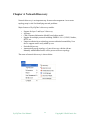
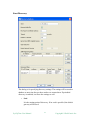
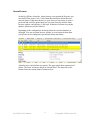
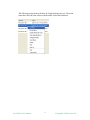
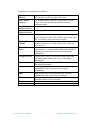
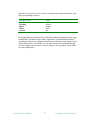
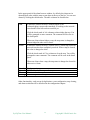
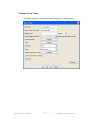
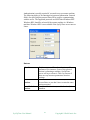
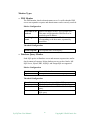
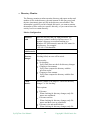
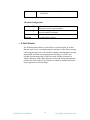
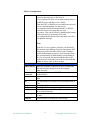
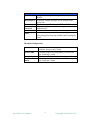
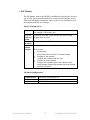
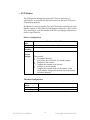
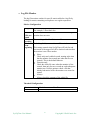
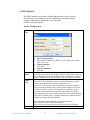
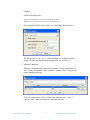
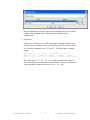
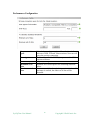
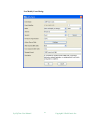
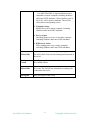
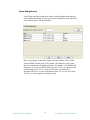
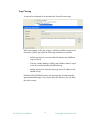
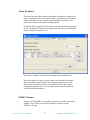
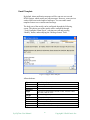
Directory Monitor The Directory monitor watches an entire directory and reports on the total number of files in the directory, the total amount of disk space used, and the time (in minutes) since any file in the directory was modified. This information is useful if you have limited disk space, you want to monitor the number of files written to a specific directory, or you want to know the activity level in a certain directory. Metrics Configuration: Directory path Enter the directory that you want to monitor. The directory is relative to the SysUpTime server. To monitor a directory on a remote machine in a Windows NT/2000 network, enter the UNC name for that directory. For example: \\192.168.1.100\sharedDir. If checked, subdirectories will be counted. Check subdirectories This option affects all the threshold metrics. If Check for checking failed, an error will be raised. directory changes Three modes: No checking SysUpTime does not check for directory changes. Compare to last contents SysUpTime compare the directory with the previous results. Compare to first contents SysUpTime compare the directory with the first results. Check metrics It doesn‟t matter if the mode of “Check for directory changes” is “No checking”. Three options: File name When checking for directory changes, only file names are considered. File name and size When checking for directory changes, only file names and their sizes are considered. File name, size and modified time When checking for directory changes, only file SysUpTime User Manual 48 Copyright iDeskCentric Inc.