1
272
Series 5 Accounts Payable- User Help
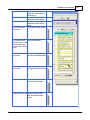
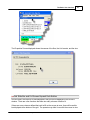
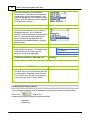
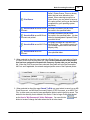
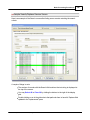
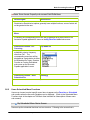
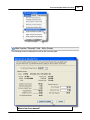
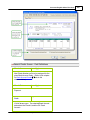
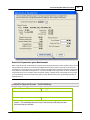
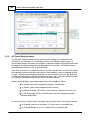
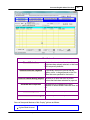
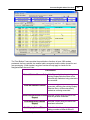
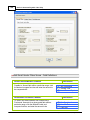
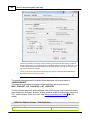
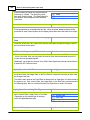
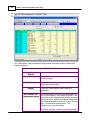
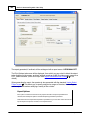
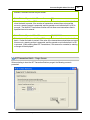
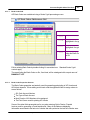
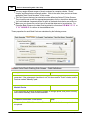
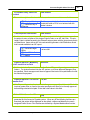
Code may be chosen
either by entering their
Bank Code, or choosing it
using the Lookup
binoculars icon. This is
the Bank Account, and G/
L Cash account on which
the generated checks, or
ACH Direct Deposits are
to be drawn on. The
Bank Account Code used
as the default is the one
that has it's Cash
Account equal to the A/P
Control Preference's
Default Cash Account.
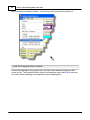
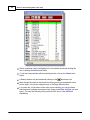
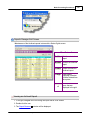
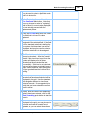
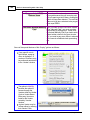
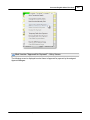
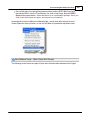
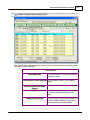
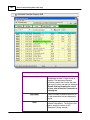
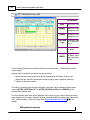
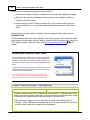
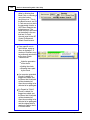
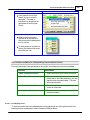
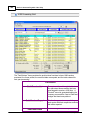
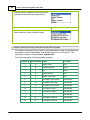
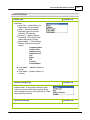
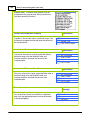
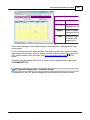
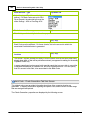
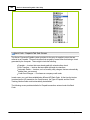
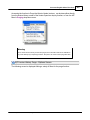
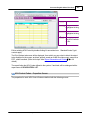
If any specific row is
right-clicked, a pop-up
menu is displayed. A
number of functions may
be performed associated
to the given Check.
These include:
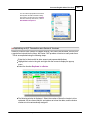
Undo the generation
of the check
Voiding the check
Showing items paid
by the check
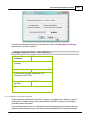
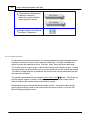
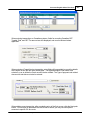
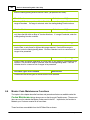
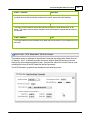
If a computer generated
Check is voided, it is
flagged as voided, and
the items that it had paid
will be reinstated as
Open Items waiting to be
selected to be paid again.
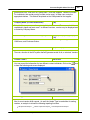
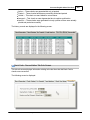
If a Prepaid or "Quick"
Check is voided, it is
flagged as voided, and
the items that it had paid
will be reinstated as
Open Items waiting to be
selected to be paid again;
and the original debit to
cash and credit to the A/
R Control will be
© 2007 - 2014 by Sentinel Hill Software, all rights reserved