1
SecuGuard Basic
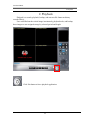
2. Playback
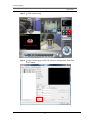
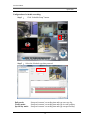
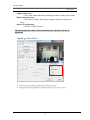
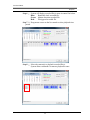
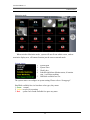
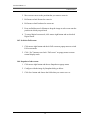
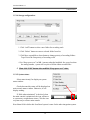
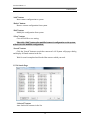
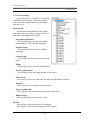
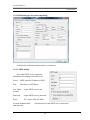
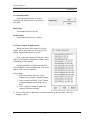
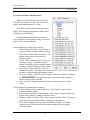
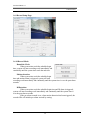
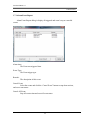
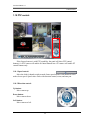
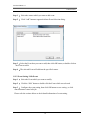
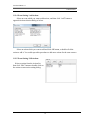
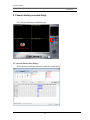
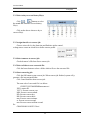
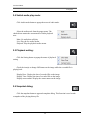
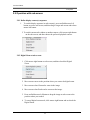
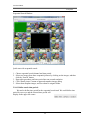
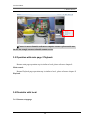
1. Select two images from these sequential
pictures to define search time period. Click
on the image to select it and click it again
to un-select it.
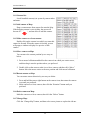
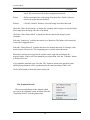
Selected
Un-Selected
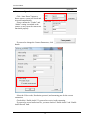
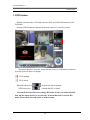
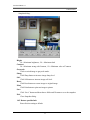
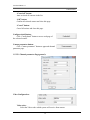
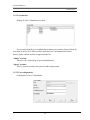
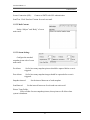
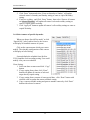
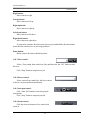
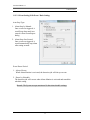
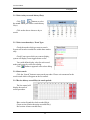
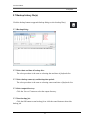
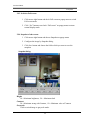
2. Or drag on the time line to define search time period directly.
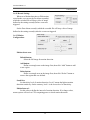
Start time
End time
Blue bar:
The time period of selected images for sequential search.
Green transparent bar:
New time period to be searched.
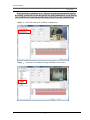
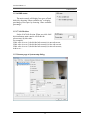
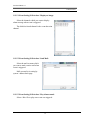
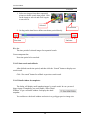
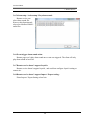
2.9.6.2 Start search and rollback:
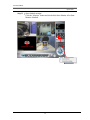
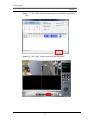
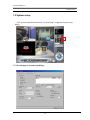
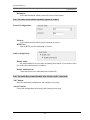
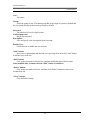
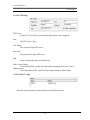
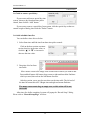
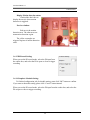
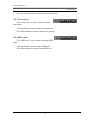
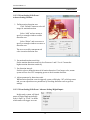
After defined search time period, and then click the “Search” button to display next
search result.
Click “Pre search” button for rollback to previous search result.
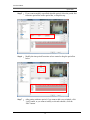
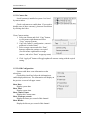
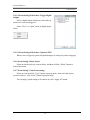
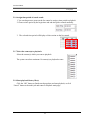
2.9.6.3 Detail window for snapshots:
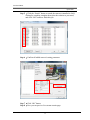
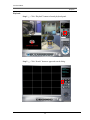
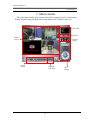
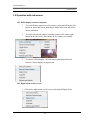
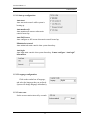
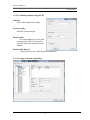
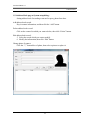
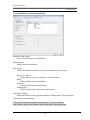
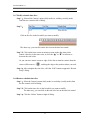
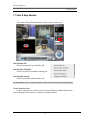
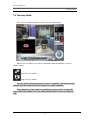
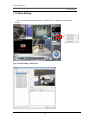
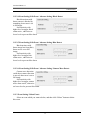
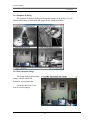
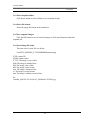
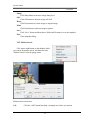
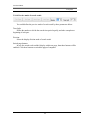
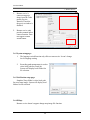
The dialog will display small snapshot images by search result. In case you need
bigger image of snapshots, you could enable “Show Detail
Window” to get a resizable window for display the detail
snapshot.
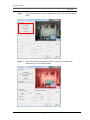
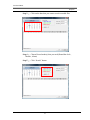
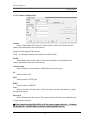
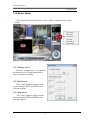
You could move the detail window and resize it to get bigger preview image size.
100