1
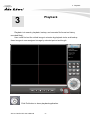
3. Playback
3.6 Snapshot dialog
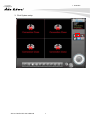
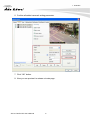
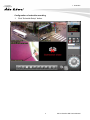
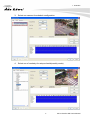
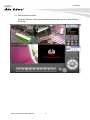
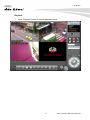
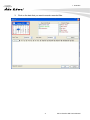
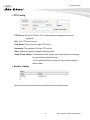
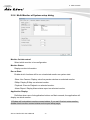
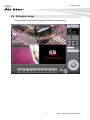
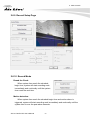
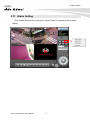
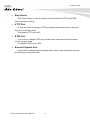
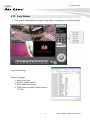
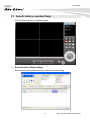
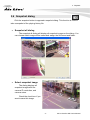
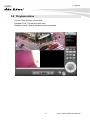
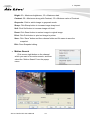
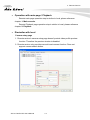
Click the snapshot button to approach snapshot dialog. This function is used to
take a snapshot of the playing history file.
z
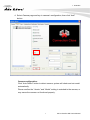
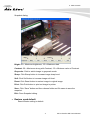
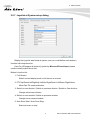
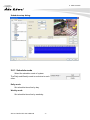
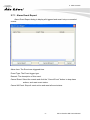
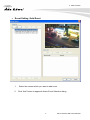
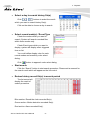
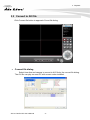
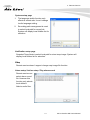
Snapshot all dialog
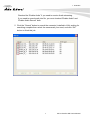
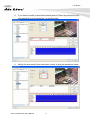
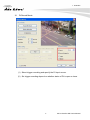
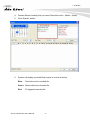
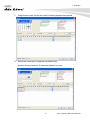
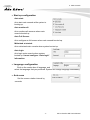
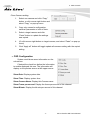
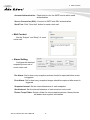
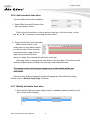
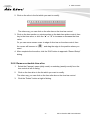
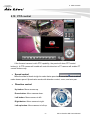
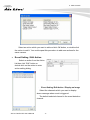
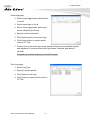
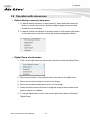
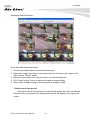
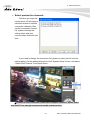
The snapshot all dialog will display all snapshot images on the dialog. You
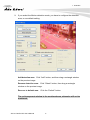
can choose which image will be saved and assign the file format and folder.
z
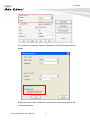
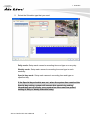
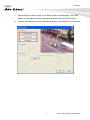
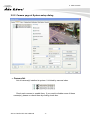
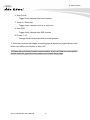
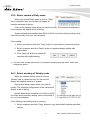
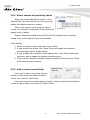
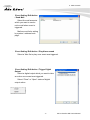
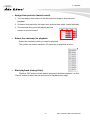
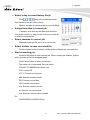
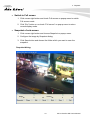
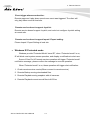
Select snapshot image
The dialog displays all
snapshot images with the
camera ID, resolution, and
camera name.
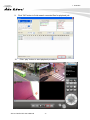
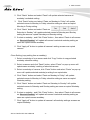
Check the check box if you
want to save this image.
95
AirLive CamPro HD User’s Manual