1
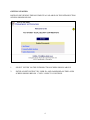
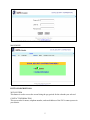
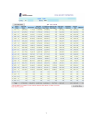
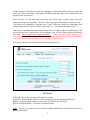
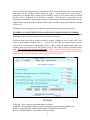
HOW TO USE THIS ON-LINE SYSTEM IMPORTANT NOTES BEFORE STARTING Review the information at http://homeroom.state.nj.us. You will not be able to review any data online for a calendar year once that calendar year is closed. To maintain a record of your requests for reimbursement, print the data entry screen and the summary screen that lists all pay periods each time you process a reimbursement request. An adjustment to a previously processed request will replace the original data. Once you save an adjustment to a pay period, you will be unable to retrieve the original request. Maintain a record of all reimbursement requests and adjustments by printing the data entry screen and the summary screen each time you process a request or an adjustment. This system is set up for twenty-four pay periods annually or two pay periods per month. If you have more than two pay periods in a month, you must combine pay periods in order to limit your reimbursement requests to two for that month. If you have to change an entry for a pay period, delete the incorrect data for that pay period and input the correct data. If the adjustment reduces the state share payable, the amount owed will be deducted from a future or future payments as you continue to process subsequent pay periods. If the adjustment increases the state share payable, the additional amount will be processed when the Department of Education runs the next payment after you enter your adjustment. Data entry fields require a number with two-decimal places and no characters, other than the decimal period. Fields are pre-populated with zeroes. If, for any reason, you enter a zero, the required format is 0.00. You cannot input a negative number into this system. A screen is provided for you to identify a contact person for your district’s FICA reimbursement requests. Although this information is not required to use this system, it should be provided to the Department of Education in the event we have to contact your district regarding your request(s). The contact information on this screen may be updated by the district at any time. 3