1
Networking
14.2.2. Configuration
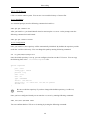
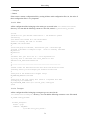
To configure exim4, run the following command:
sudo dpkg-reconfigure exim4-config
The user interface will be displayed. The user interface lets you configure many parameters. For
example, In exim4 the configuration files are split among multiple files. If you wish to have them in
one file you can configure accordingly in this user interface.
All the parameters you configure in the user interface are stored in
/etc/exim4/update-exim4.conf.conf file. If you wish to re-configure, either you re-run the
configuration wizard or manually edit this file using your favourite editor. Once you configure, you
can run the following command to generate the master configuration file:
sudo update-exim4.conf
The master configuration file, is generated and it is stored in
/var/lib/exim4/config.autogenerated.
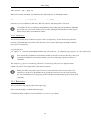
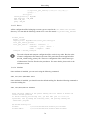
At any time, you should not edit the master configuration file,
/var/lib/exim4/config.autogenerated manually. It is updated automatically every time
you run update-exim4.conf
You can run the following command to start exim4 daemon.
sudo /etc/init.d/exim4 start
TODO: This section should cover configuring SMTP AUTH with exim4.
14.3. Dovecot Server
Dovecot is a Mail Delivery Agent, written with security primarily in mind. It supports the major
mailbox formats: mbox or Maildir. This section explain how to set it up as an imap or pop3 server.
14.3.1. Installation
To install dovecot, run the following command in the command prompt:
sudo apt-get install dovecot-common dovecot-imapd dovecot-pop3d
14.3.2. Configuration
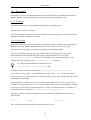
To configure dovecot, you can edit the file /etc/dovecot/dovecot.conf. You can choose
the protocol you use. It could be pop3, pop3s (pop3 secure), imap and imaps (imap secure).
A description of these protocols is beyond the scope of this guide. For further information,
69