1
Installing the Software
Please read the License Terms on the enclosed Product License Sheet before continue installation of your ONSSI software.
!
!
!
!
!
!
!
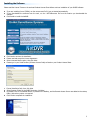
If you are installing from a CDROM, run the autorun.exe file if it has not started automatically.
If you downloaded the software from the web, run the NETDVRxxx.exe file from the location you downloaded the
software.
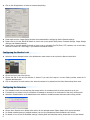
Click Install to install the NetDVR.
Click Next to continue the installation.
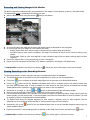
Please read and accept the License Agreement.
Select Licensed Version option, then click Next.
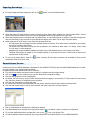
Please type in your Serial Number (Software License Code) as listed on your Product License Sheet.
♦ Choose Installation Path, then click Next.
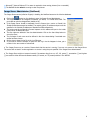
! Select Program Folder for the ONSSI shortcuts, click Next.
! By default a link to the NetDVR Monitor is placed on the desktop, and the Remote Access Servers are added to the startup
folder. Uncheck any option not required.
! Click Finish to complete the installation.
3