1
Uninstalling a Previous Software Version
If a previous version of the On-Net Surveillance System’s NetDVR 4.5 is installed this must be uninstalled before the OnNet Surveillance System’s NetDVR 4.5 is installed.
!
!
!
!
!
!
!
2
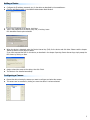
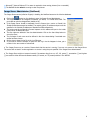
Shut down the http and realtimefeed servers.
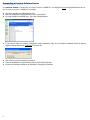
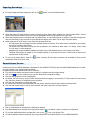
Open the Add/Remove Programs dialog in your Control Panel.
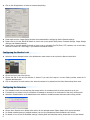
Find and highlight the NetDVR entry, then click Change/Remove.
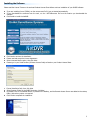
If you want to keep your existing configuration and/or databases, make sure the Remove Database Files and Remove
Registry Settings options are unchecked. Then click OK.
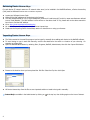
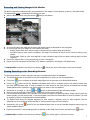
Click Finish to end the uninstalling procedure.
Close the Add/Remove Programs dialog and the Control Panel Window.
Continue the software installation as described in Installing the Software.