1
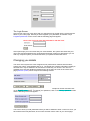
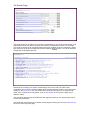
The Login Screen
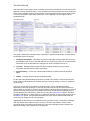
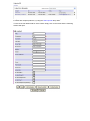
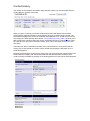
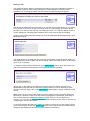
At this screen input your user name and your password to be logged into the system and be
taken to your home page. Should you have forgotten your password, click where it says
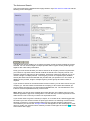
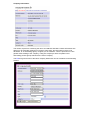
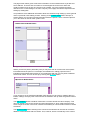
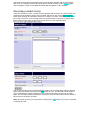
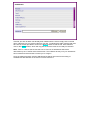
Forgotten password? on the screen and the following page will appear:
At this point input your user name and your email address, the system will check that your
user name and email address are recognised and will then email your password to you. As
with any computer system you should not share your password with other users.
Changing you details
The users of this system are each assigned a user profile which contains their full name,
system user name, email address and so on. The profile also contains information relating to
what that user may be allowed to do and which records they can access. The user can
maintain some of these details themselves and to do so there is a link on the user's home
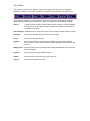
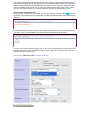
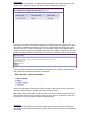
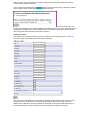
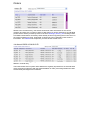
page (Edit user profile) which will open the following window:
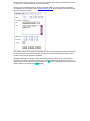
At this point you can change your name, email address or telephone number and then click
on the Update profile button. To change your password, click on the Change password button
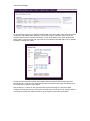
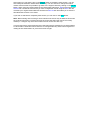
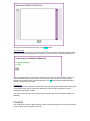
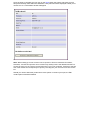
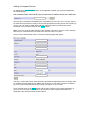
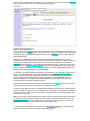
and the following screen will appear:
You have to enter your old password before you will be allowed to enter a new one. Once you
have entered the new password, click on save and then exit to return to your home page.