1
Adding a Company Record
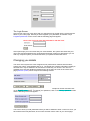
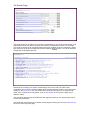
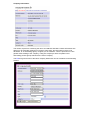
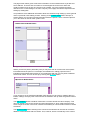
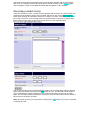
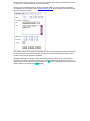
On selecting the Add Company button on the application toolbar you will be presented with
the following page:
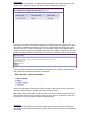
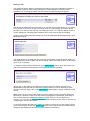
Here you are prompted for the postal town, if the address is in the UK, or the country. Asking
for this first has proved to be a way to ensure that geographical coding of this new company is
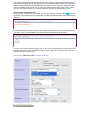
correct. You can input a partial name and then select the town from the list that will be
presented once you have clicked on the search button.
Note: If you are using the initial release of the software and wish to set up a London address
then the post code should be used rather than the town name of London.
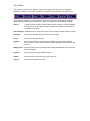
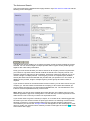
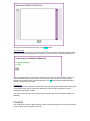
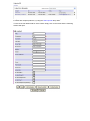
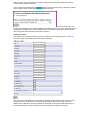
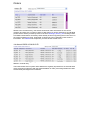
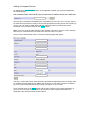
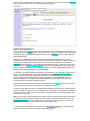
Once you have selected the town or country the following page will appear
The town, county and country fields will be pre-populated as appropriate and you simply need
to complete the other fields shown. Note: The SunAccount code will normally be completed
by your accounts department and will probably not appear on your screen.
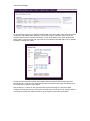
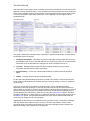
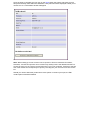
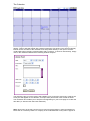
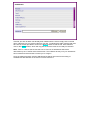
Once complete click on the Save button and the main company record page will appear on
your screen. From here you can now set up contacts or other company information, as
explained in the relevant sections of this manual.