1
68
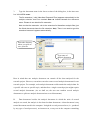
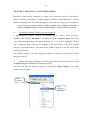
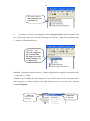
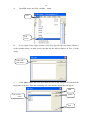
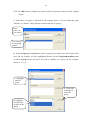
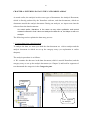
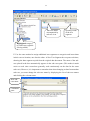
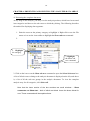
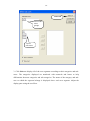
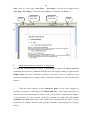
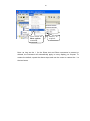
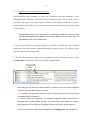
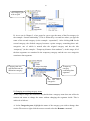
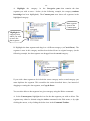
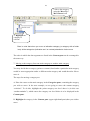
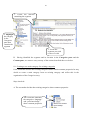
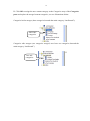
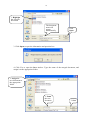
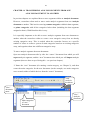
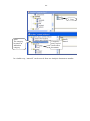
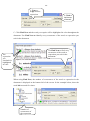
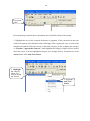
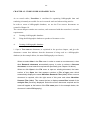
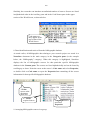
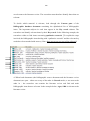
B. Highlight the main category in the Categories pane containing the categories to be
placed in a new main category. The categories are now displayed in the Content pane.
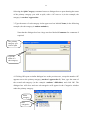
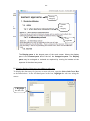
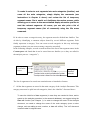
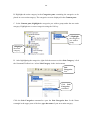
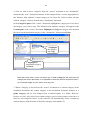
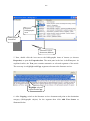
C. In the Content pane, highlight the categories you wish to group under the new main
category. Highlight two or more categories using the Ctrl key.
2. Highlight
the categories
you wish to
group
together
1.Highlight
the main
category
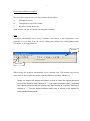
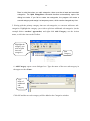
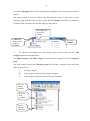
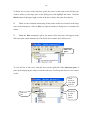
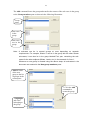
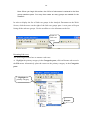
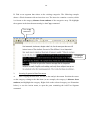
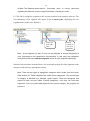
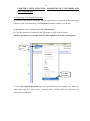
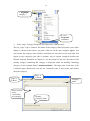
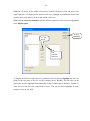
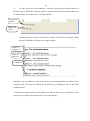
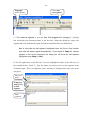
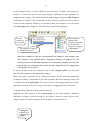
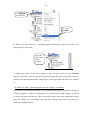
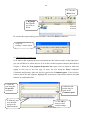
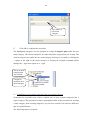
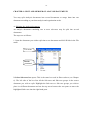
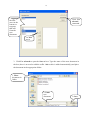
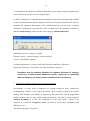
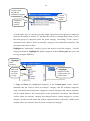
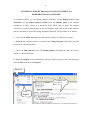
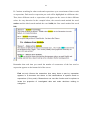
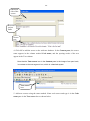
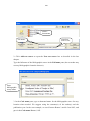
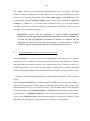
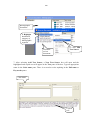
D. After highlighting the categories, right click the mouse to select Join Category / click
the Command Toolbar icon / select Join Category in the Action menu.
Join
Categories
icon
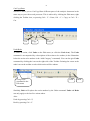
Click Join
Categories
command
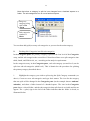
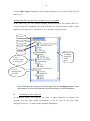
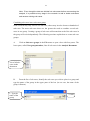
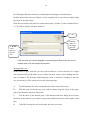
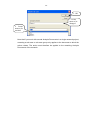
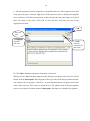
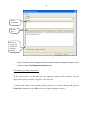
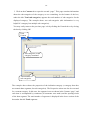
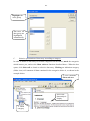
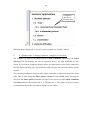
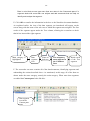
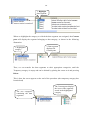
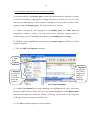
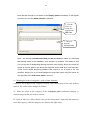
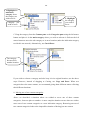
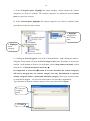
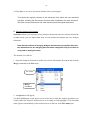
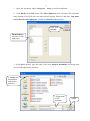
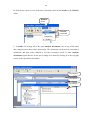
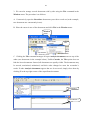
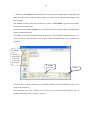
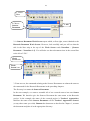
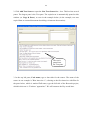
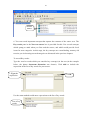
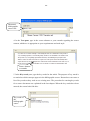
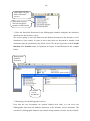
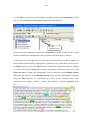
Click the Join Categories command to open the Join Categories box. In the Name
rectangle in the upper pane of the box, type the name of your new main category.