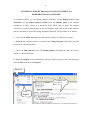
1
20
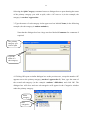
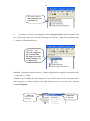
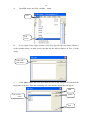
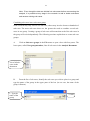
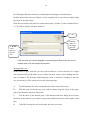
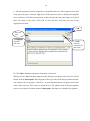
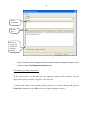
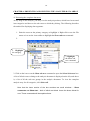
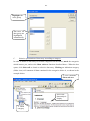
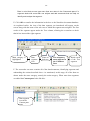
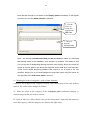
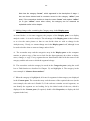
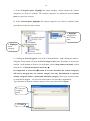
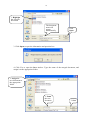
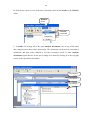
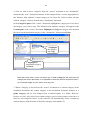
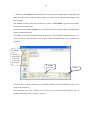
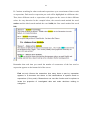
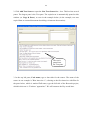
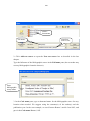
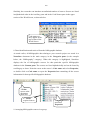
To delete one or more of the sub-cases, place the cursor on the name in the list that you
wish to delete (in the large pane of the dialog box) and highlight the name. Click the
Delete button in the upper right section of the box to delete the name from the list.
D.
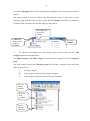
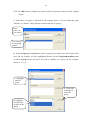
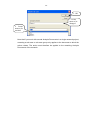
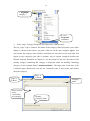
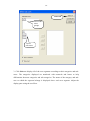
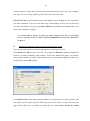
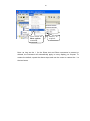
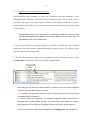
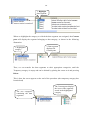
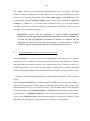
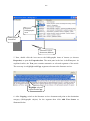
When we have finished transferring all the names to the list of names in the large
pane of the dialog box, click on Exit (far right at bottom of dialog box) to conclude the
action.
E.
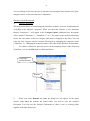
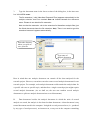
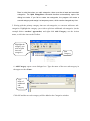
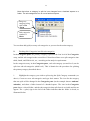
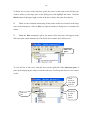
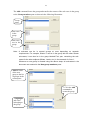
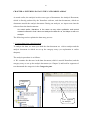
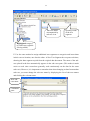
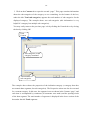
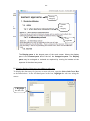
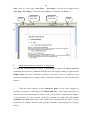
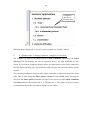
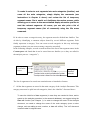
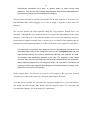
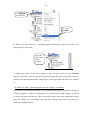
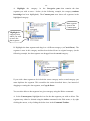
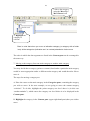
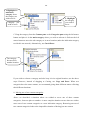
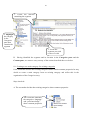
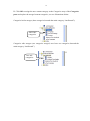
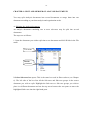
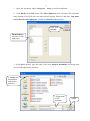
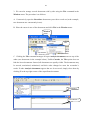
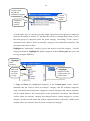
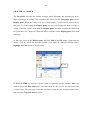
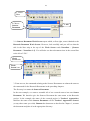
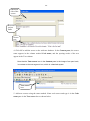
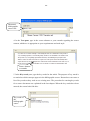
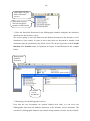
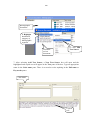
When the Exit command is given, the names of the sub-cases will appear in the
Sub-cases pane on the bottom left of the Work Screen under the Toolbar icons
Sub-cases
pane
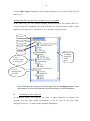
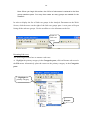
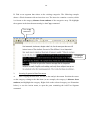
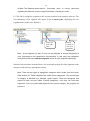
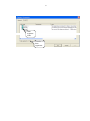
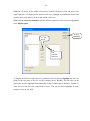
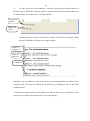
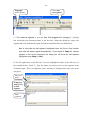
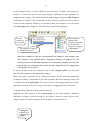
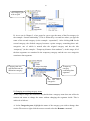
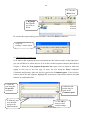
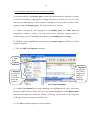
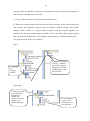
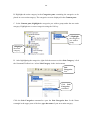
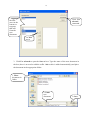
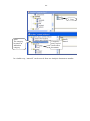
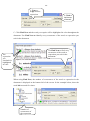
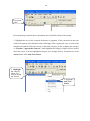
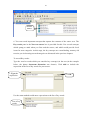
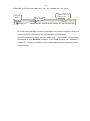
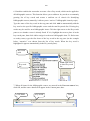
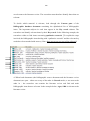
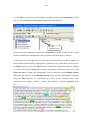
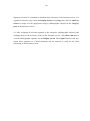
To view the list of sub-cases, click the arrow on the right side of the Sub-cases pane. A
pane opens displaying the names of all the sub-cases. Scroll up and down to view names
on list.
Click
arrow to
view Subcase list
Sub-case
list
Scroll bar
to view
list of
names