1
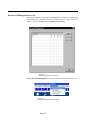
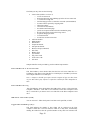
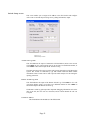
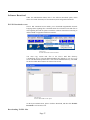
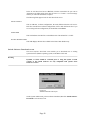
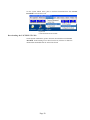
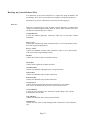
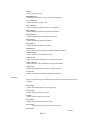
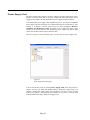
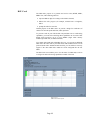
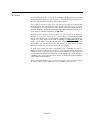
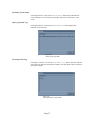
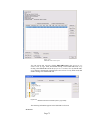
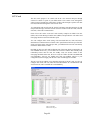
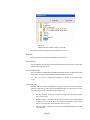
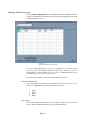
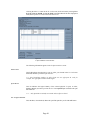
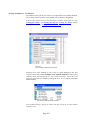
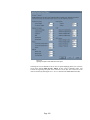
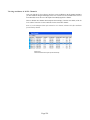
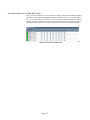
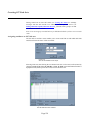
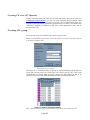
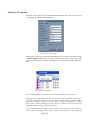
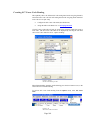
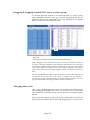
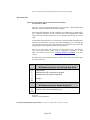
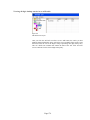
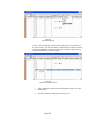
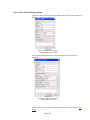
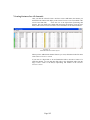
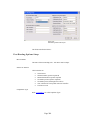
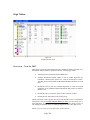
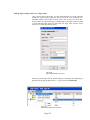
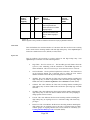
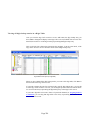
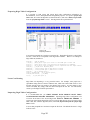
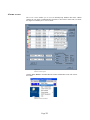
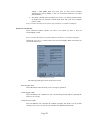
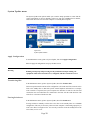
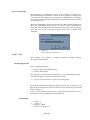
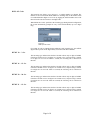
Figure 3-16
T1 Card screen layout
N o t e — The T1 Card screen shows no icon in the leftmost column when the status of an
adjacent offset on a card in service cannot be determined. An "X" icon displays when
an offset has been in service but its card has been taken out of service, or when the Host
has not been able to configure an assigned offset for some reason. An "!" icon displays
when an offset’s configuration is retained on the card but does not correspond to
configuration data in the Host.
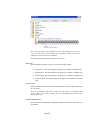
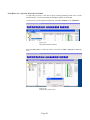
You can activate this screen by clicking T1 Card in the Equipment List screen’s View
by Type mode, then double-clicking a listed T1 card, or by clicking a listed T1 card in the
Equipment List screen’s View by Slot ID mode, or by clicking a selected node in the
Equipment List screen’s View by Node mode, then double-clicking a listed T1 card.
Page 57