1
Giving attributes to T1 channels
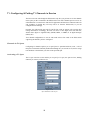
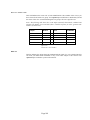
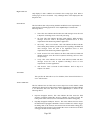
The channels in the span are now ready to be assigned their tone signaling attributes.
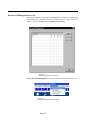
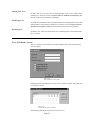
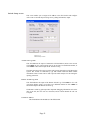
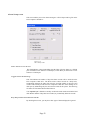
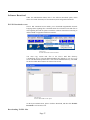
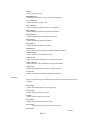
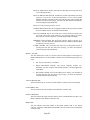
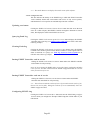
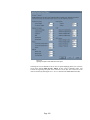
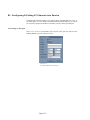
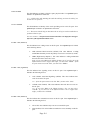
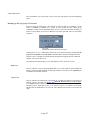
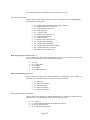
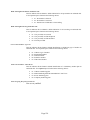
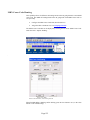
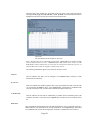
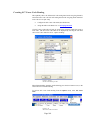
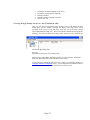
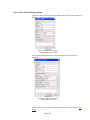
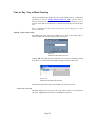
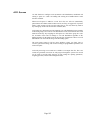
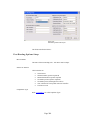
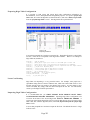
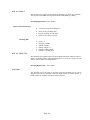
The T1 Tone Channel Attributes screen enables you to make these assignments.
If this T1 span supports SS7, you must instead give attributes to SS7 links (see, after
Creating SS7 Stacks and Creating SS7 link sets, Creating SS7 Links) and SS7
channels called CICs (see Creating CICs or SS7 Channels).
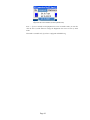
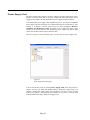
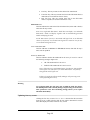
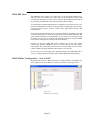
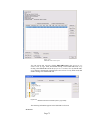
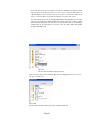
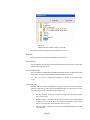
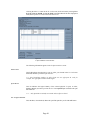
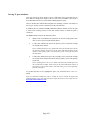
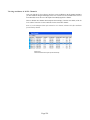
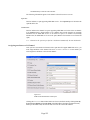
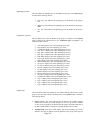
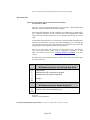
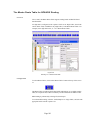
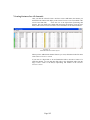
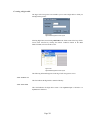
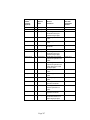
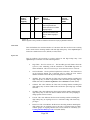
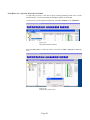
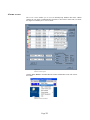
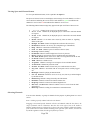
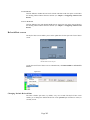
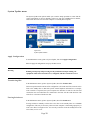
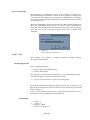
Figure 4-3
T1 Tone Channel Attributes screen layout
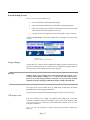
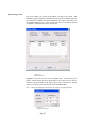
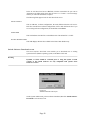
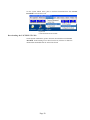
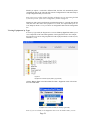
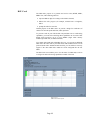
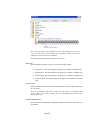
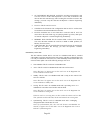
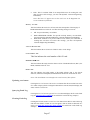
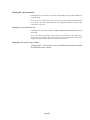
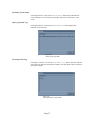
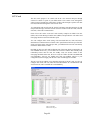
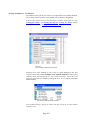
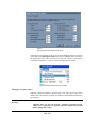
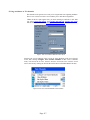
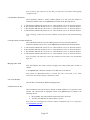
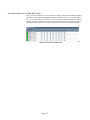
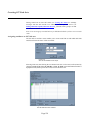
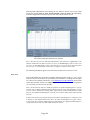
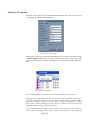
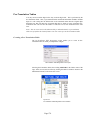
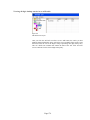
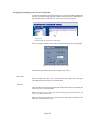
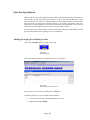
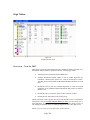
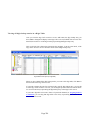
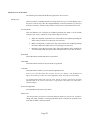
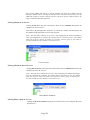
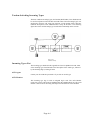
Selecting one or more channels of one or more T1 spans displaying in the Tone
Channels screen, then clicking Configure Tone Channel Attributes in this screen’s
Channels menu, will activate the T1 Tone Channel Attributes screen (the Tone
Channels screen itself is activated by clicking the TO N E TR U N K S button in the Main
Menu/Tool Bar).
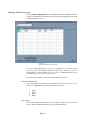
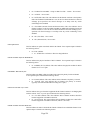
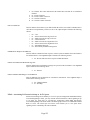
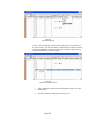
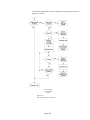
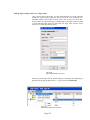
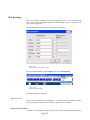
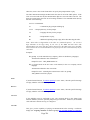
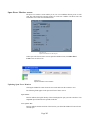
Figure 4-4 T1
Tone Channel Attributes screen activation
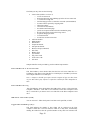
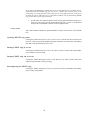
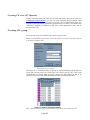
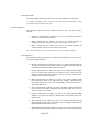
Not e — Double-clicking
a specific T1 channel will also activate the T1 Tone Channel
Attributes screen.
Page 103