1
6
Inserting ActiveX Controls
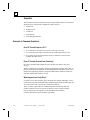
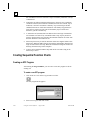
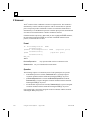
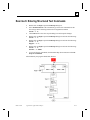
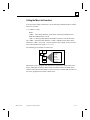
To insert an ActiveX control
1.
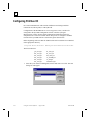
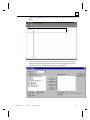
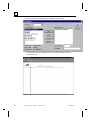
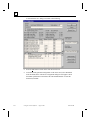
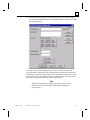
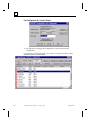
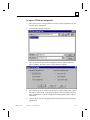
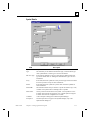
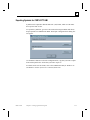
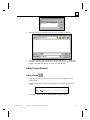
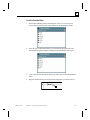
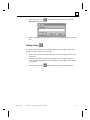
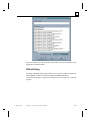
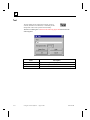
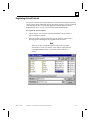
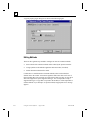
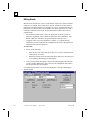
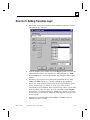
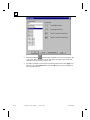
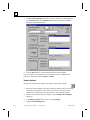
Choose Insert ActiveX control from the Edit menu. The Insert ActiveX Control
dialog box appears.
2.
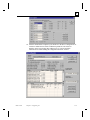
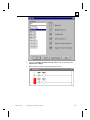
Select an ActiveX control and click OK to continue.
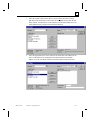
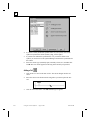
Alternatively, a list of the last four recently inserted ActiveX controls appears at the
bottom of the Edit menu, from which the control to be inserted can be selected.
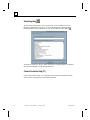
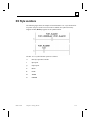
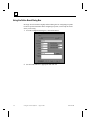
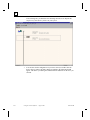
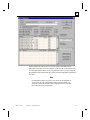
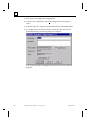
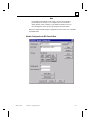
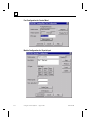
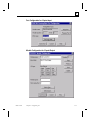
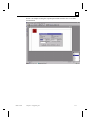
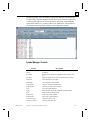
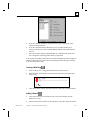
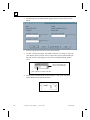
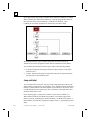
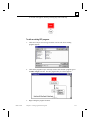
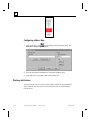
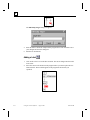
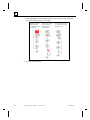
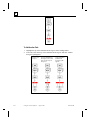
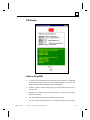
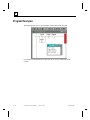
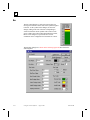
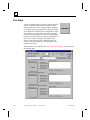
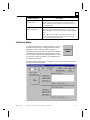
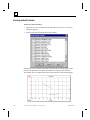
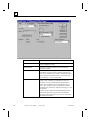
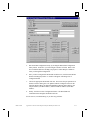
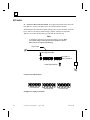
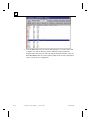
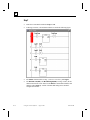
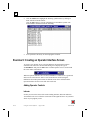
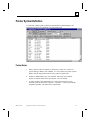
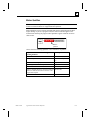
An example of the VI components XY Plot control is shown in the following figure.
6-36
Using PC Control Software – August 1998
GFK-1424B