1
Advanced Rule Set Concepts
163
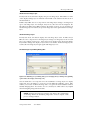
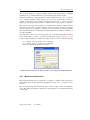
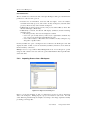
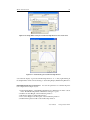
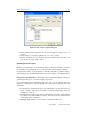
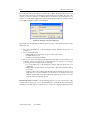
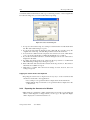
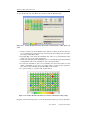
• Use the Create Scene Copy algorithm within a rule set; for details, see the Developer XD Reference Book.
The scene copy is created as a sub-scene below the project in the workspace.
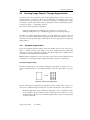
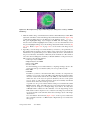
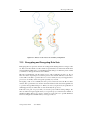
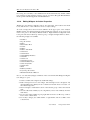
Scene Subset
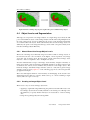
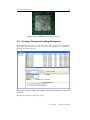
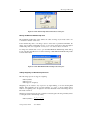
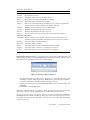
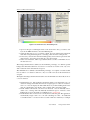
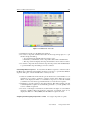
A scene subset is a project that contains only a subset area (region of interest) of the original scene. It contains all image layers and thematic layers and can be rescaled. Scene
subsets used in workspace automation are created using the Create Scene Subset algorithm. Depending on the selected image object domain of the process, you can define the
size and cutout position.
• Based on co-ordinates: If you select Execute in the Image Object Domain dropdown box, the given PIXEL co-ordinates of the source scene are used.
• Based on classified image objects: If you select an image object level in the Image
Object Domain drop-down list, you can select classes of image objects. For each
image object of the selected classes, a subset is created based on a rectangular
cutout around the image object.
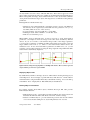
Neighboring image objects of the selected classes, which are located inside the cutout
rectangle, are also copied to the scene subset. You can choose to exclude them from
further processing by giving the parameter Exclude Other Image Objects a value of Yes.
If Exclude Other Image Objects is set to Yes, any segmentation in the scene subset will
only happen within the area of the image object used for defining the subset. Results are
not transferred to scene subsets.
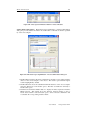
The scene subset is created as a sub-scene below the project in the workspace. Scene
subsets can be created from any data set (for example 2D or 3D data sets). Creating a
subset from a 3D, 2D+T or 4D data set will reverse the slice order for the created subscene.
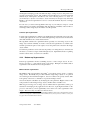
Scene Tiles
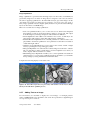
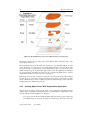
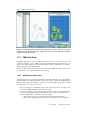
Sometimes, a complete map needs to be analyzed, but its large file size makes a straightforward segmentation very time-consuming or processor-intensive. In this case, creating
scene tiles is a useful strategy. (The absolute size limit for an image to be segmented in
Definiens Developer XD 2.0.4 is 231 (46,340 x 46,340 pixels.) Creating scene tiles cuts
the selected scene into equally sized pieces. To create a scene tile you can:
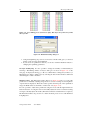
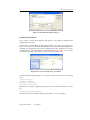
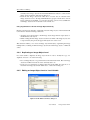
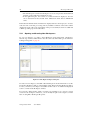
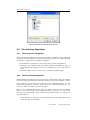
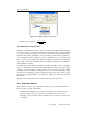
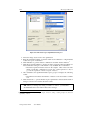
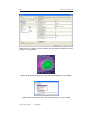
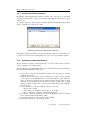
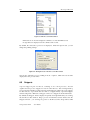
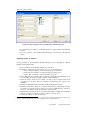
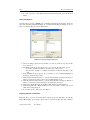
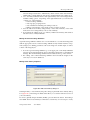
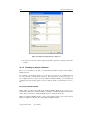
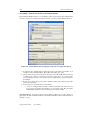
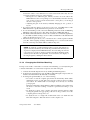
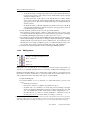
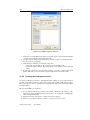
• Use the Create Tiles dialog (described in the next section) for manual creation
• Use the Create Scene Tiles algorithm within a rule set; for more details, see the
Developer XD Reference Book.
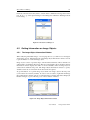
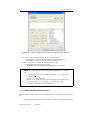
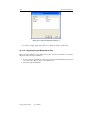
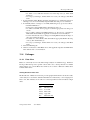
Define the tile size for x and y; the minimum size is 100 pixels. Scene tiles cannot be
rescaled and are created in the magnification or resolution of the selected scene. Each
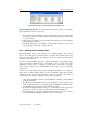
scene tile will be a sub-scene of the parent project in the workspace. Results are not
included in the created tiles.
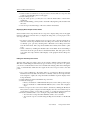
Scene tiles can be created from any data set (2D or 3D for example). When tiling z-stacks
or time series, each slice or frame is tiled individually.
User Guide
27 September 2012