1
Analyzing Images Using the "Cellenger" Software
6.4 Analyzing Images Using the
"Cellenger" Software
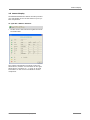
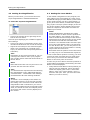
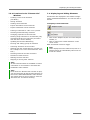
The "Cellenger" software enables images of samples to be analyzed using sets of rules that have
been defined in advance, and also allows elements
to be generated. This helps with routine operations
to automate the selection of the areas of interest.
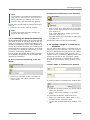
Info:
You can only avail yourself of this analytical
facility if your system includes the "Cellenger"
software. Please contact P.A.L.M. Microlaser
Technologies GmbH, if you wish to upgrade
your system.
•
•
•
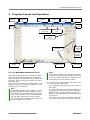
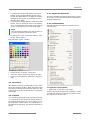
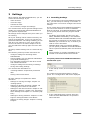
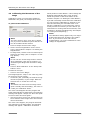
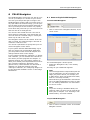
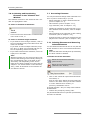
Scan the section of your sample that you wish
to analyze, as described in chapter 6.2 "Scanning a Sample with PALM Navigator".
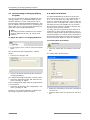
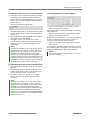
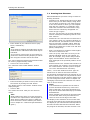
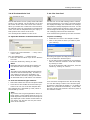
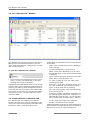
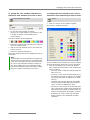
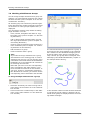
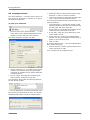
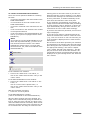
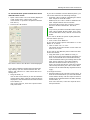
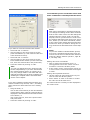
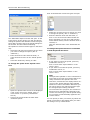
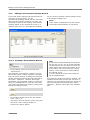
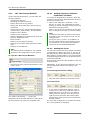
Select the "Cellenger Analyze" tab.
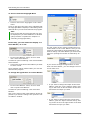
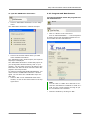
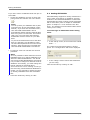
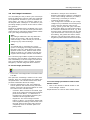
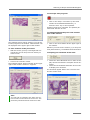
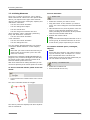
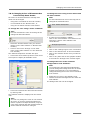
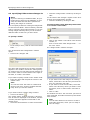
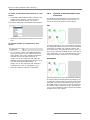
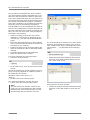
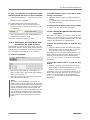
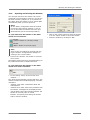
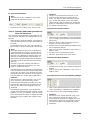
The parameter settings are tested with the current
microscope image. The result is displayed below
the buttons on the right-hand side of the window.
• Optimize the parameter values if necessary.
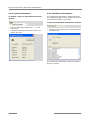
If you have found the optimum values:
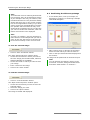
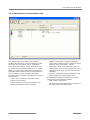
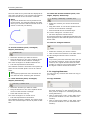
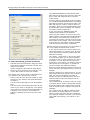
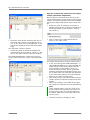
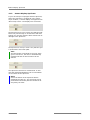
• Click on "Analyze ROI“ button (ROI: Region of
interest).
Your sample is analyzed.
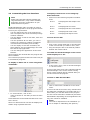
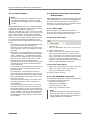
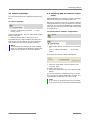
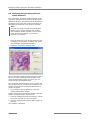
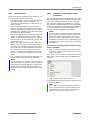
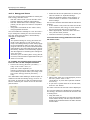
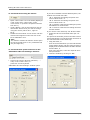
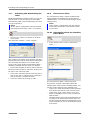
From the "Analyze Ruleset" selection list,
choose the set of rules you wish to use for analysis.
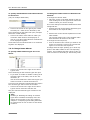
A number of sliders for setting various parameters
now appear on the left-hand side of the window.
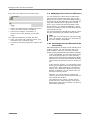
Info:
The parameters that you can set here depend
on which set of rules you have chosen.
As a rule one does not know at first which parameter settings will deliver the optimum analysis result.
• Configure initial values for the parameters.
• Click on the "Test" button.
PALM RoboSoftware 3.1-0106 (EN)
53