1
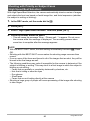
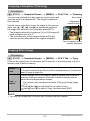
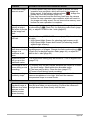
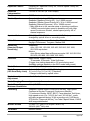
Configuring Auto Power Off Settings (Auto Power Off)
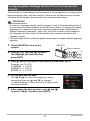
Procedure
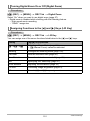
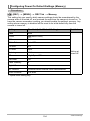
[MENU] * Set Up Tab * Auto Power Off
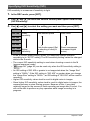
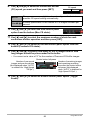
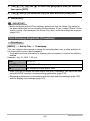
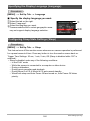
Auto Power Off turns off the camera whenever no camera operation is performed for
a preset amount of time.
Trigger Time Settings: 2 min, 5 min, 10 min (The trigger time is always 5 minutes in
the PLAY mode.)
• Auto Power Off is disabled under any of the following conditions.
– While the camera is connected to a computer or other device
– During a slideshow
– During CS group playback
– During movie recording and playback
– During Move Out CS or Move In CS auto record standby
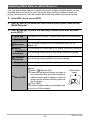
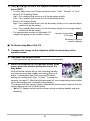
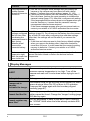
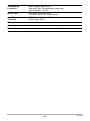
Configuring [r] and [p] Settings (REC/PLAY)
Procedure
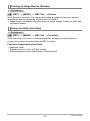
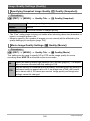
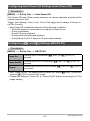
[MENU] * Set Up Tab * REC/PLAY
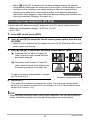
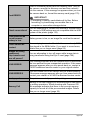
Power On
Camera turns on whenever [r] (REC) or [p] (PLAY) is
pressed.
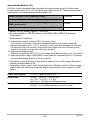
Power On/Off
Camera turns on or off whenever [r] (REC) or [p] (PLAY) is
pressed.
Disable
Camera does not turn on or off when [r] (REC) or [p] (PLAY)
is pressed.
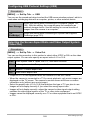
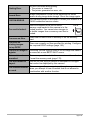
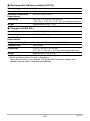
• With “Power On/Off”, the camera turns off when you press [r] (REC) in the REC
mode or [p] (PLAY) in the PLAY mode.
• Change this setting to “Power On” or “Power On/Off” before connecting to a TV for
image viewing.
167
Other Settings (Set Up)