1
Turning the Camera On and Off
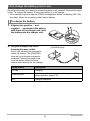
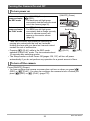
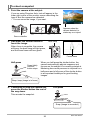
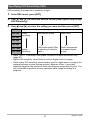
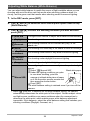
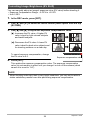
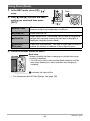
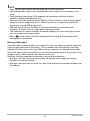
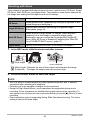
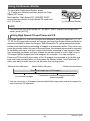
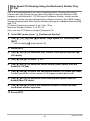
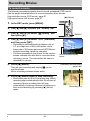
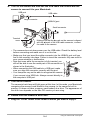
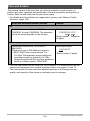
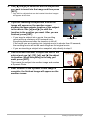
To turn power on
To turn on
power and enter
the REC mode
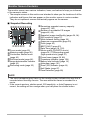
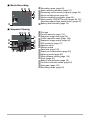
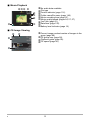
Press [ON/OFF] (Power) or
[r] (REC).
• The back lamp will light green
momentarily and the lens will extend
out of the camera (page 25).
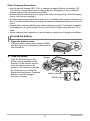
To turn on
power and enter
the PLAY mode
Press [p] (PLAY).
• The back lamp will light green
momentarily and an image currently
stored in camera memory will
appear on the monitor screen
(page 28).
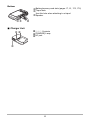
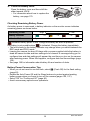
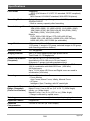
[ON/OFF] (Power)
Back lamp
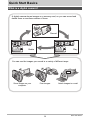
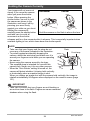
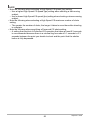
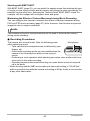
• Take care to ensure that nothing is restricting or
coming into contact with the lens as it extends.
Holding the lens with your hand so it cannot extend
creates the risk of malfunction.
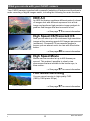
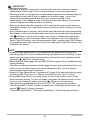
• Pressing [p] (PLAY) while in the REC mode
[p] (PLAY)
[r] (REC)
switches to the PLAY mode. The lens retracts about
10 seconds after switching modes.
• The Sleep function or Auto Power Off (pages 156, 157) will turn off power
automatically if you do not perform any operation for a preset amount of time.
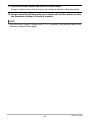
To turn off the camera
Press [ON/OFF] (Power).
• You can configure the camera so power does not turn on when you press [r]
(REC) or [p] (PLAY). You also can configure the camera to turn off when you
press [r] (REC) or [p] (PLAY) (page 157).
23
Quick Start Basics