1
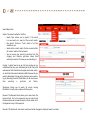
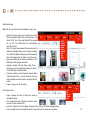
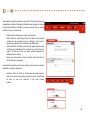
PDF Catalog- Allows you to create catalogs in Adobe Acrobat format. This page
controls the content display and layout of the PDF catalog as well as the content on
the cover page. Images generated in the PDF are linked directly to their associated
asset on the DAM System.
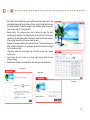
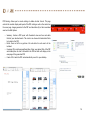
> Summary- Creates a PDF layout with thumbnail views and two meta-data
fields of your selected assets. The creator can chose which meta-data fields
to include in the PDF.
> Detail- Does not offer any options. All meta-data for each asset will be
included.
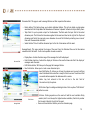
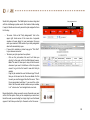
> Coverpage Title and Coverpage Description- Enter your desired title of the PDF
and a description of what is included in the PDF and both will display on the
coverpage of the generated PDF.
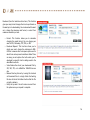
> Create- Will create the PDF and automatically save it to your desktop.
19