1
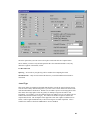
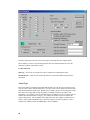
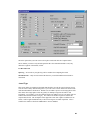
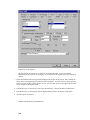
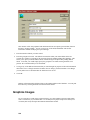
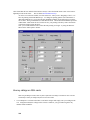
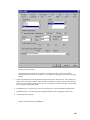
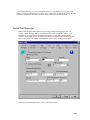
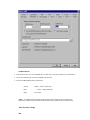
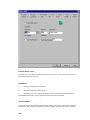
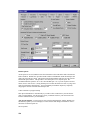
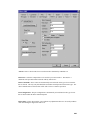
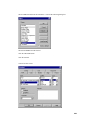
FONT
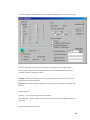
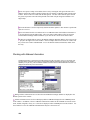
Default – [No]
Size – [14 pt]
Bold – [Yes]
LAYOUT
Alignment – [centered]
Click OK.
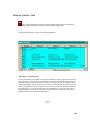
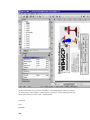
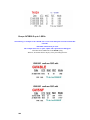
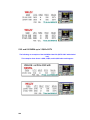
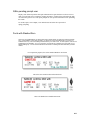
The Workspace should now be available again and the TextBox we just created with MYNAME
will still be highlighted with the unique lines around it.
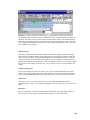
Place the cursor anywhere inside the WorkArea that "is not" on the QSL card itself, and left-click
the mouse. The TEXTBOX area for MYNAME will now change from the unique lines to just
the Black-Line outline of the TextBox itself.
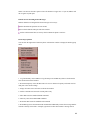
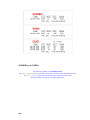
The variable MYADR1 textbox:
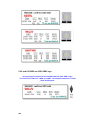
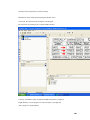
OBJECTS, INSERT, TEXT .. start at Left 1.2 Top 1.6 – Drag left-to-right to Left 1.4 Top 3.9.
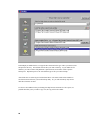
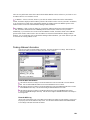
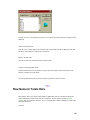
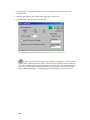
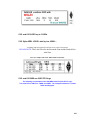
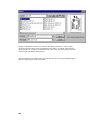
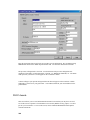
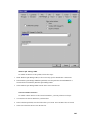
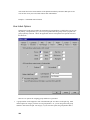
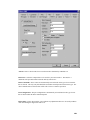
Mouse-cursor in the TextBox, right-click mouse button. Select "Contents".
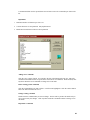
Double-click left mouse button on the "blue highlighted" area.
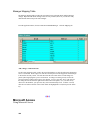
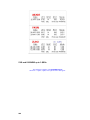
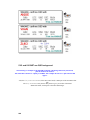
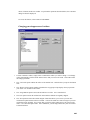
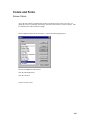
From the "Variables and Functions" TAB, select and double click-on
MYADR1
Click OK.
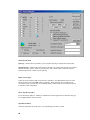
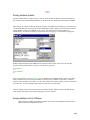
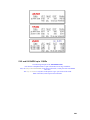
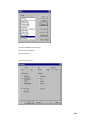
Now, go to the righthand side window and select:
FONT
Default – [No]
Size – [14 pt]
265