1
Limitations of SSB under VMware
Appendix E. syslog-ng Store Box VMware
Installation Guide
This tutorial describes the possibilities and limitations of installing syslog-ng Store Box (SSB) 4 F1 as a virtual
appliance under a VMware ESXi server.
E.1. Limitations of SSB under VMware
The following limitations apply to running version 4 F1 of SSB under VMware:
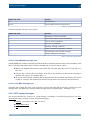
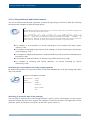
■ SSB can be installed under the following VMware versions:
• VMware ESXi 4.0 or later.
• VMware ESX 4.0 or later.
• VMware ESXi 5.0 or later.
■ SSB can only use fixed disk space assigned to the virtual host; it is not possible to use on-demand
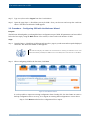
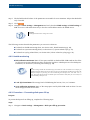
disk allocation scenarios. To increase the size of the virtual disk, see Procedure E.3, Modifying the
virtual disk size under VMware (p. 245).
■ High availability mode is not supported in VMware.
■ Hardware-related alerts and status indicators of SSB may display inaccurate information, for example,
display degraded RAID status.
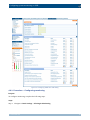
E.2. Procedure – Installing SSB under VMware ESXi/ESX
Purpose:
To install a new SSB under VMware ESXi or ESX, complete the following steps:
Steps:
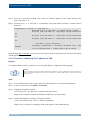
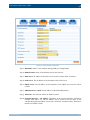
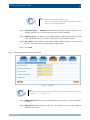
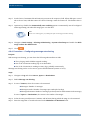
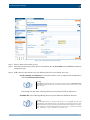
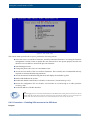
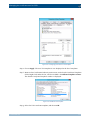
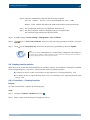
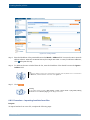
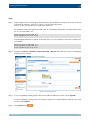
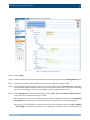
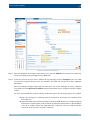
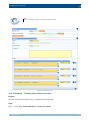
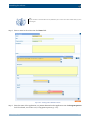
Step 1. Create the virtual machine for SSB using the following settings:
■ Guest operating system: Linux/Ubuntu 64-bit.
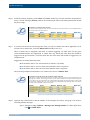
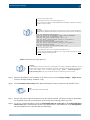
■ Allocate memory for the virtual machine. SSB requires a minimum of 1 GiB of memory,
in addition to the memory limit of the indexed logspaces. The recommended size for the
memory depends on the exact environment, but consider the following:
• The base system requires 256 MiB.
• The syslog-ng server running on SSB requires between 128 MiB and 1 GiB of memory,
depending on the message load and on the configuration of SSB.
• For every log space, SSB requires additional memory to index the incoming messages.
The amount of memory allocated for the indexer can be set individually for every log
space.
■ The hard disk controller must be LSI Logic Parallel.
www.balabit.com
244