1
Chapter : User Reference
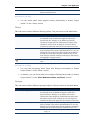
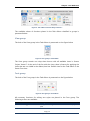
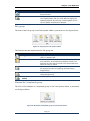
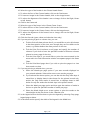
Modify Chart Data
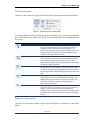
Chart wizard that allows you to change the project’s
parameters (task attributes or resources) that are
presented in the graph
Custom Layer group
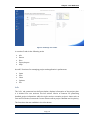
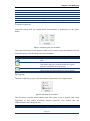
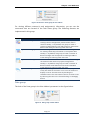
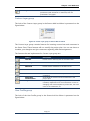
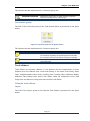
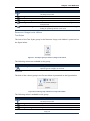
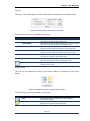
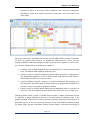
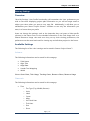
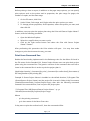
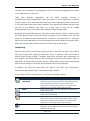
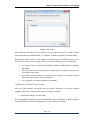
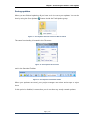
The look of the Custom Layer group in the Seavus Add-ins ribbon is presented on the
figure below:
Figure 24. Custom Layer group in Seavus Add-ins ribbon
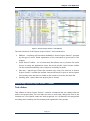
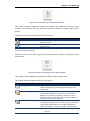
The Custom Layer group contains features for inserting custom bars and comments in
the Gantt Chart. These features will not modify the project plan. You can use them to
visualize your thoughts and give comments regarding tasks and assignments.
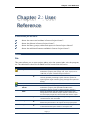
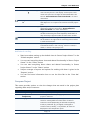
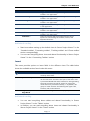
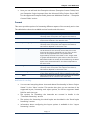
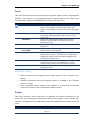
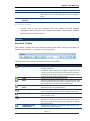
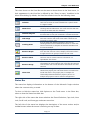
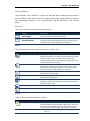
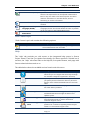
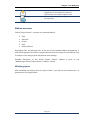
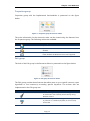
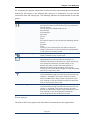
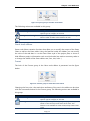
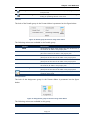
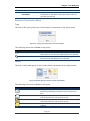
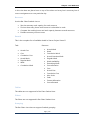
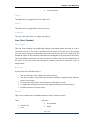
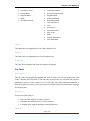
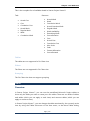
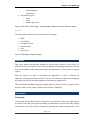
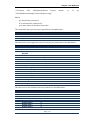
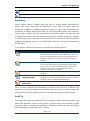
The features that are implemented in Custom Layer group are:
Feature
Task Bar
Description
Inserts custom ordinary task in the Gantt chart
Summary Task
Inserts custom summary task in the Gantt chart
Milestone
Inserts custom milestone in the Gantt chart
Deadline
Inserts custom deadline in the Gantt chart
Text Box
Inserts custom text box where you can inserts your
comments
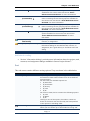
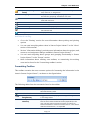
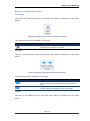
Show/Hide all custom bars and comments in the
project plan
Opens the Property dialog, where you can make the
necessary adjustments for the custom bars in term of
changing color and transparency of the bars, font and
color of the comments, etc.
Show/Hide
Customization
Properties
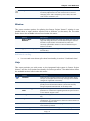
User Profile group
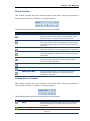
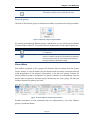
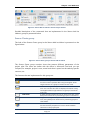
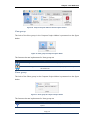
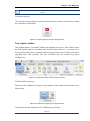
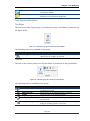
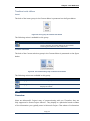
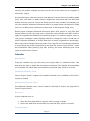
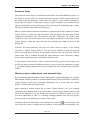
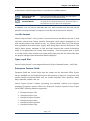
The look of the User Profile group in the Seavus Add-ins ribbon is presented on the
figure below:
Page | 47
Seavus Project Viewer User Manual