1
Chapter : User Reference
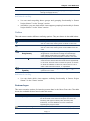
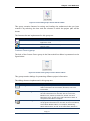
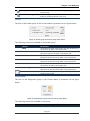
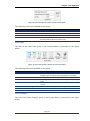
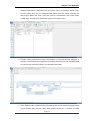
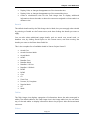
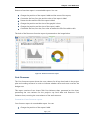
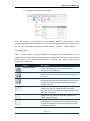
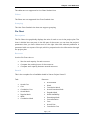
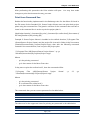
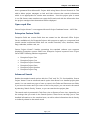
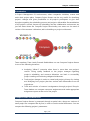
Figure 4. Task ribbon in Seavus Project Viewer™
The available subset of functions placed in the Task ribbon classified in groups is
presented below:
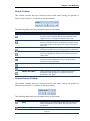
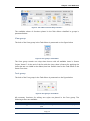
View group
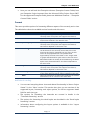
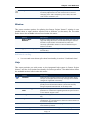
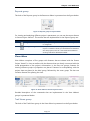
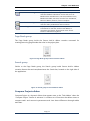
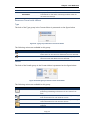
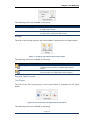
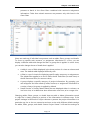
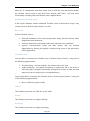
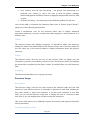
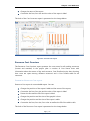
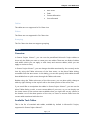
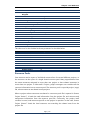
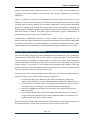
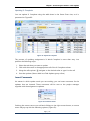
The look of the View group in the Task ribbon is presented on the figure below:
Figure 5. View group in Task ribbon
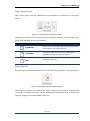
The View group contain one drop-down button with all available views in Seavus
Project Viewer™. At the end of the list with the views, there is feature for applying the
views that are not visible in the ribbon/view bar. Default view for the Task ribbon is the
Gantt Chart view.
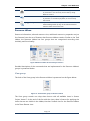
Font group
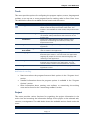
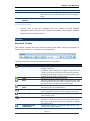
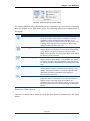
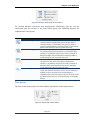
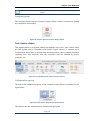
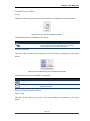
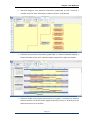
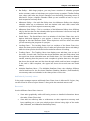
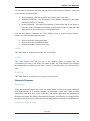
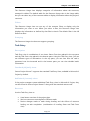
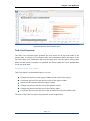
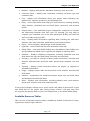
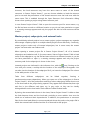
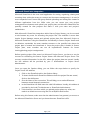
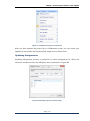
The look of the Font group in the Task ribbon is presented on the figure below:
Figure 6. Font group in Task ribbon
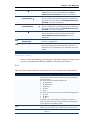
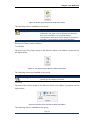
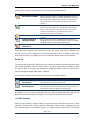
All necessary functions for editing text styles are placed in the Font group. The
following actions are available:
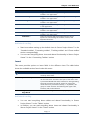
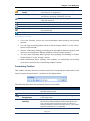
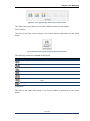
Feature
Font Type
Description
Change the font type of the selected text in the project
plan
Page | 36
Seavus Project Viewer User Manual