1
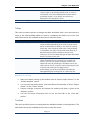
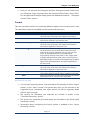
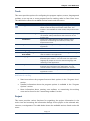
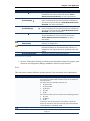
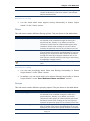
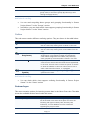
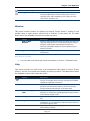
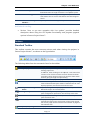
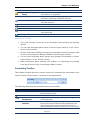
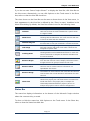
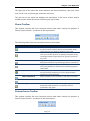
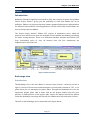
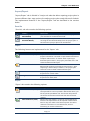
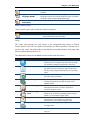
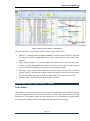
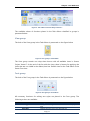
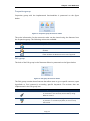
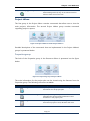
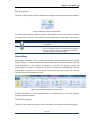
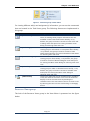
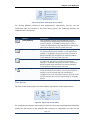
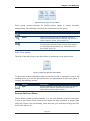
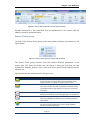
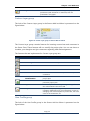
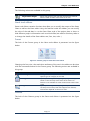
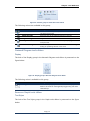
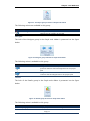
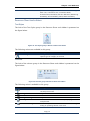
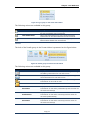
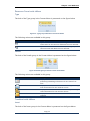
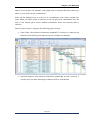
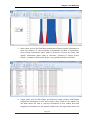
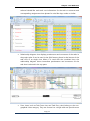
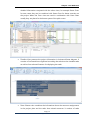
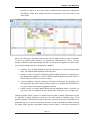
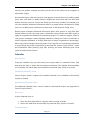
Chapter : User Reference Figure 3. Seavus Project Viewer™ with Ribbons The main elements of the Seavus Project Viewer™ user interface are: Ribbons – containing all commands available in Seavus Project Viewer™ grouped by the type of action. Detail explanation of the commands is given later in this chapter. Quick Access Toolbar – set of commands that allows user to perform the same actions as using the Application menu, but much quicker. Quick Access toolbar can be customized allowing user to adjust it according its needs. View bar – special type of bar that contains only views. The view bar in Seavus Project Viewer™ contains the default views as Microsoft Project as well as option for inserting views that are not visible at the moment of work in the View Bar. Working area – space where the project plan is viewed. Walkthrough Seavus Project Viewer™ ribbons Task ribbon Task ribbon in Seavus Project Viewer™ contains commands that are related with the tasks in the project plan. You can select the view to work with, change the font of the inserted text, view specific tasks and their properties, etc. All features are categorized according their similarity and functionality and organized in four groups. Page | 36 Seavus Project Viewer User Manual